
Visual Identity Guideline


LOGO
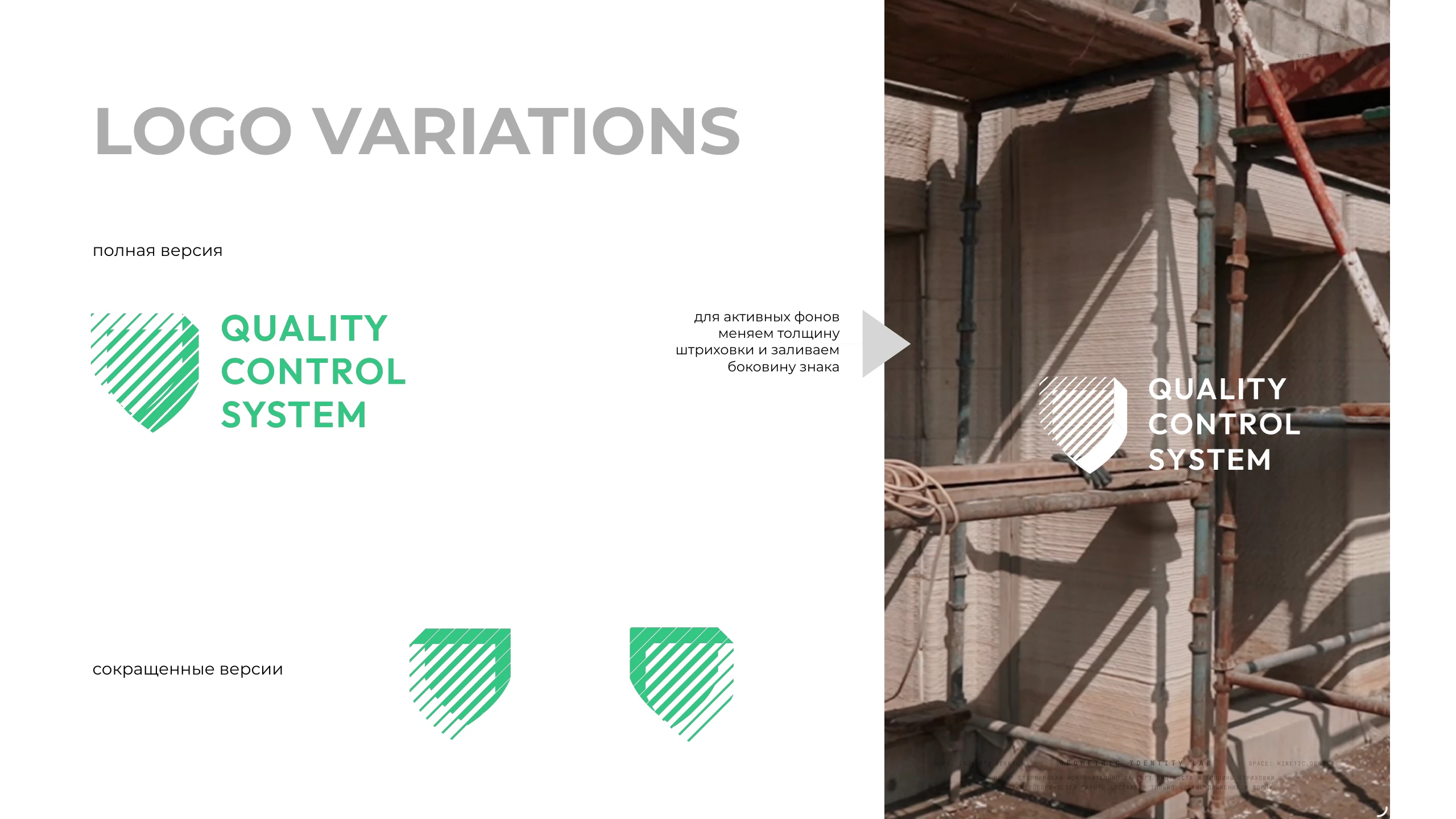


LOGO VARIATIONS
short versions
full version
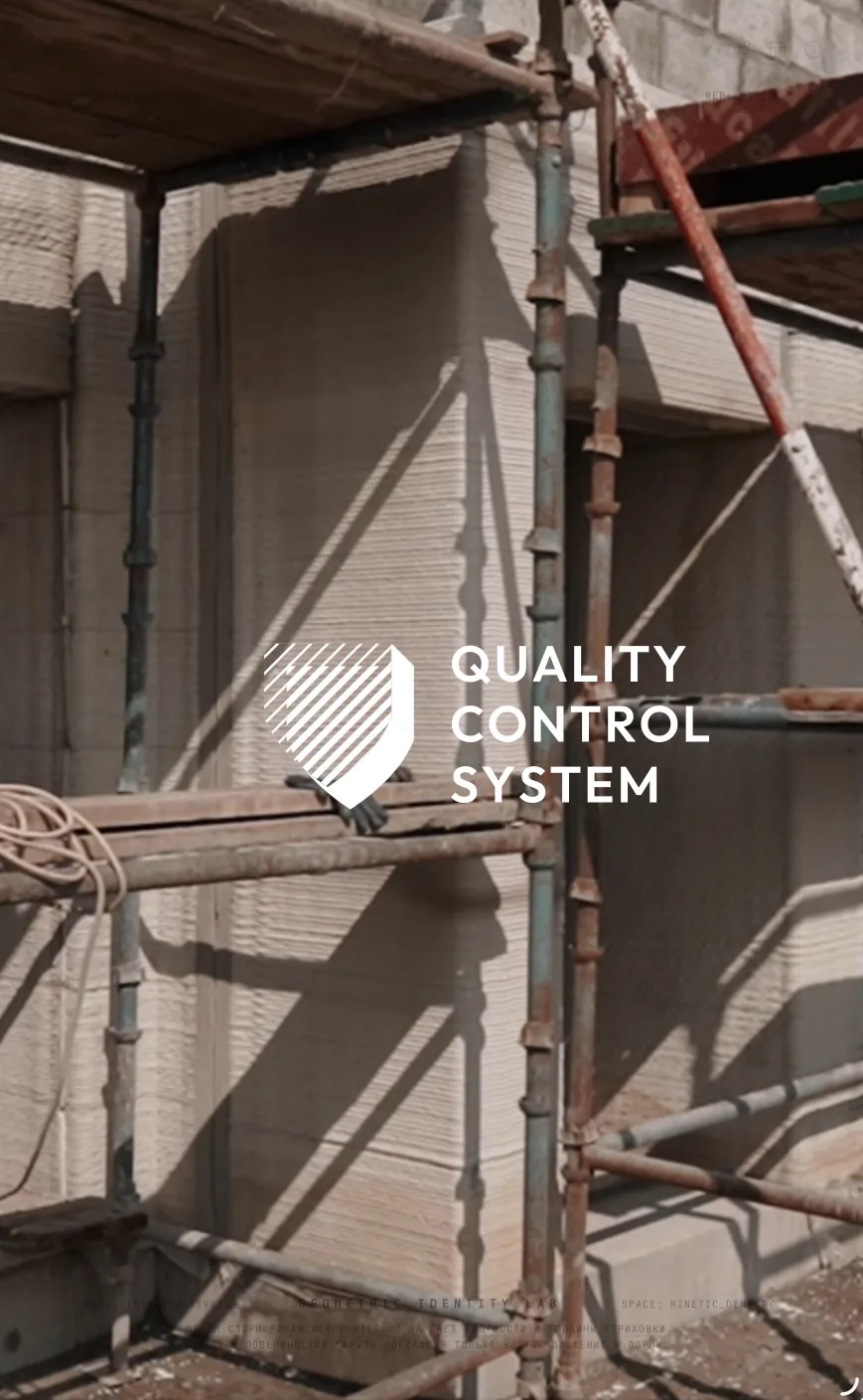
for busy backgrounds
we increase the stroke
weight and fill in
the side of the mark
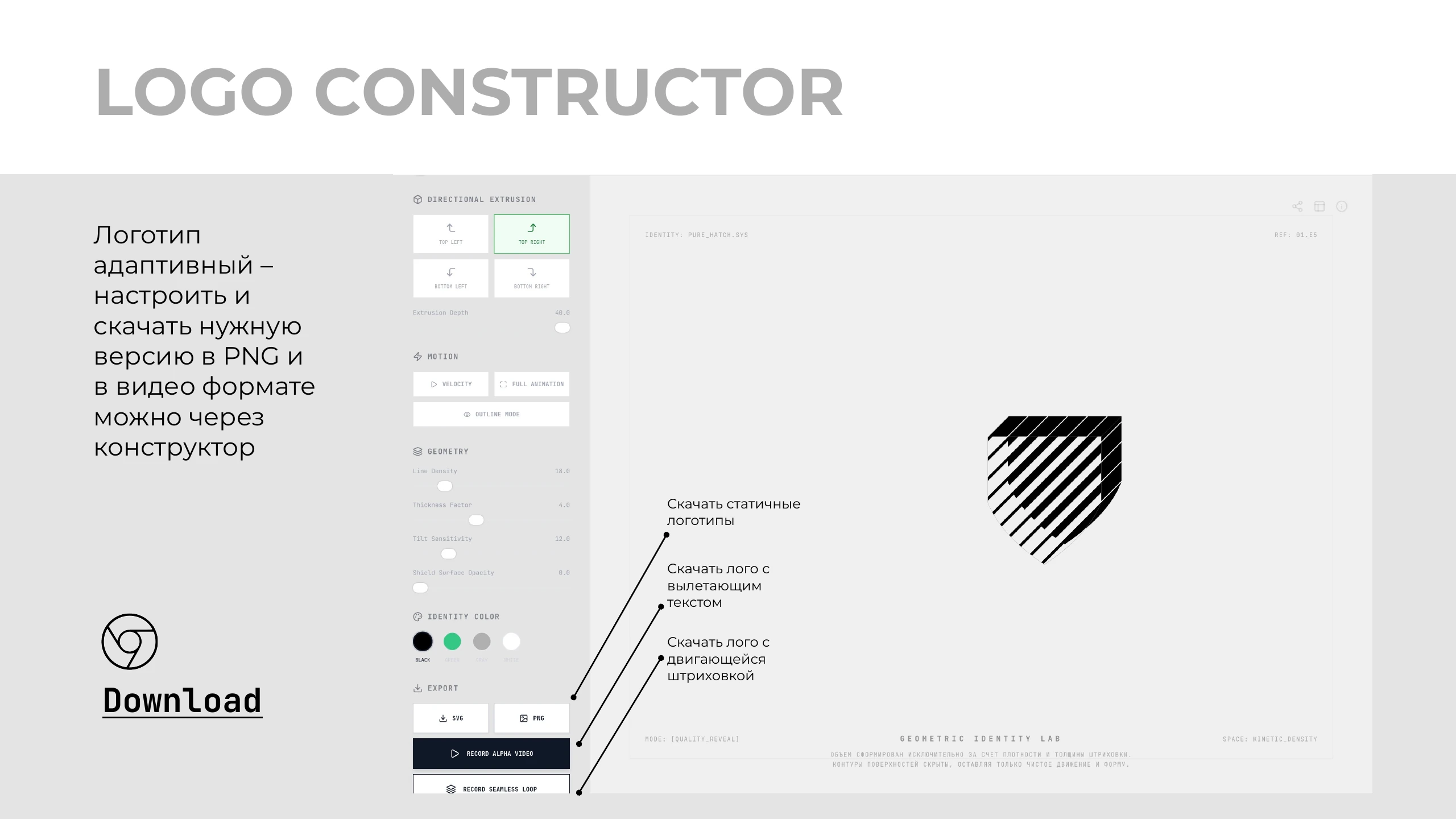
LOGO CONSTRUCTOR
The logo is
adaptive —
configure and
download the
version you need in
PNG and video
format via the
constructor
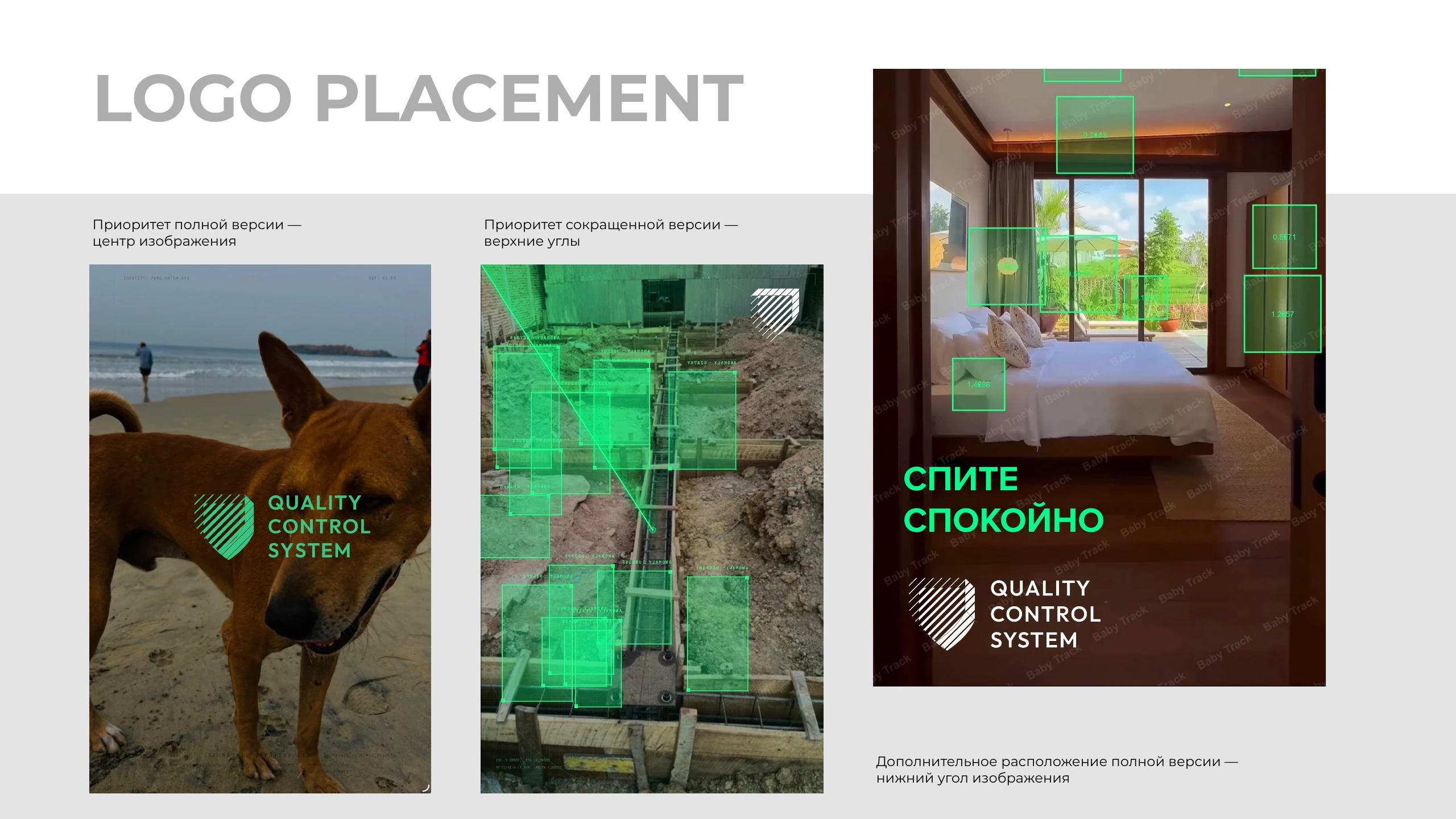

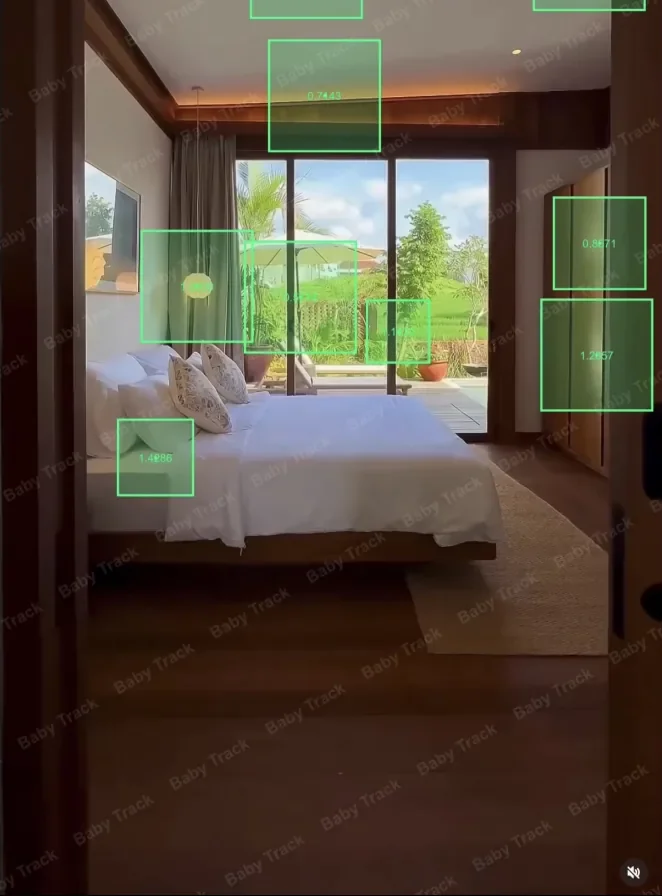
LOGO PLACEMENT
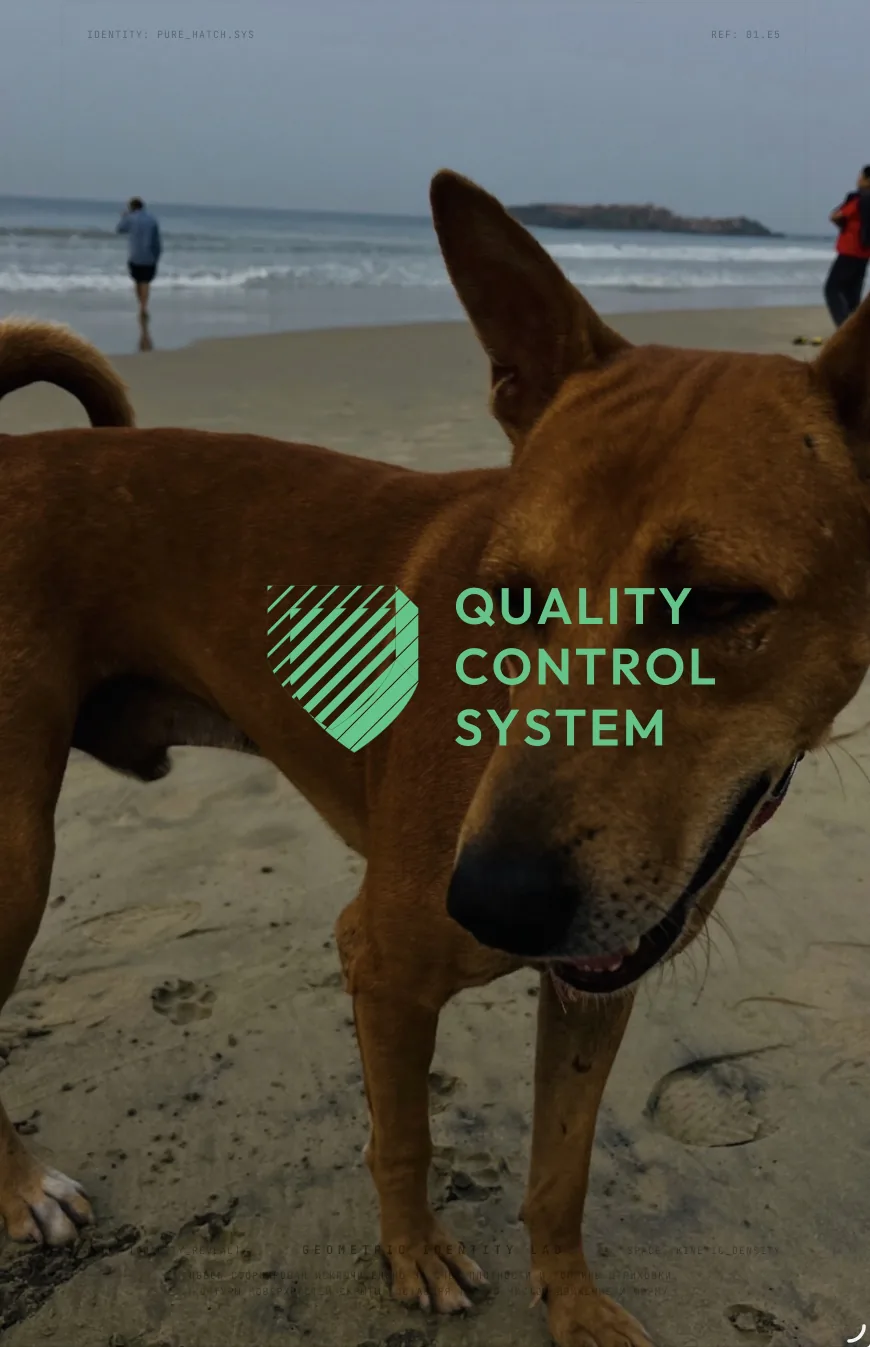
Full version priority —
center of the image
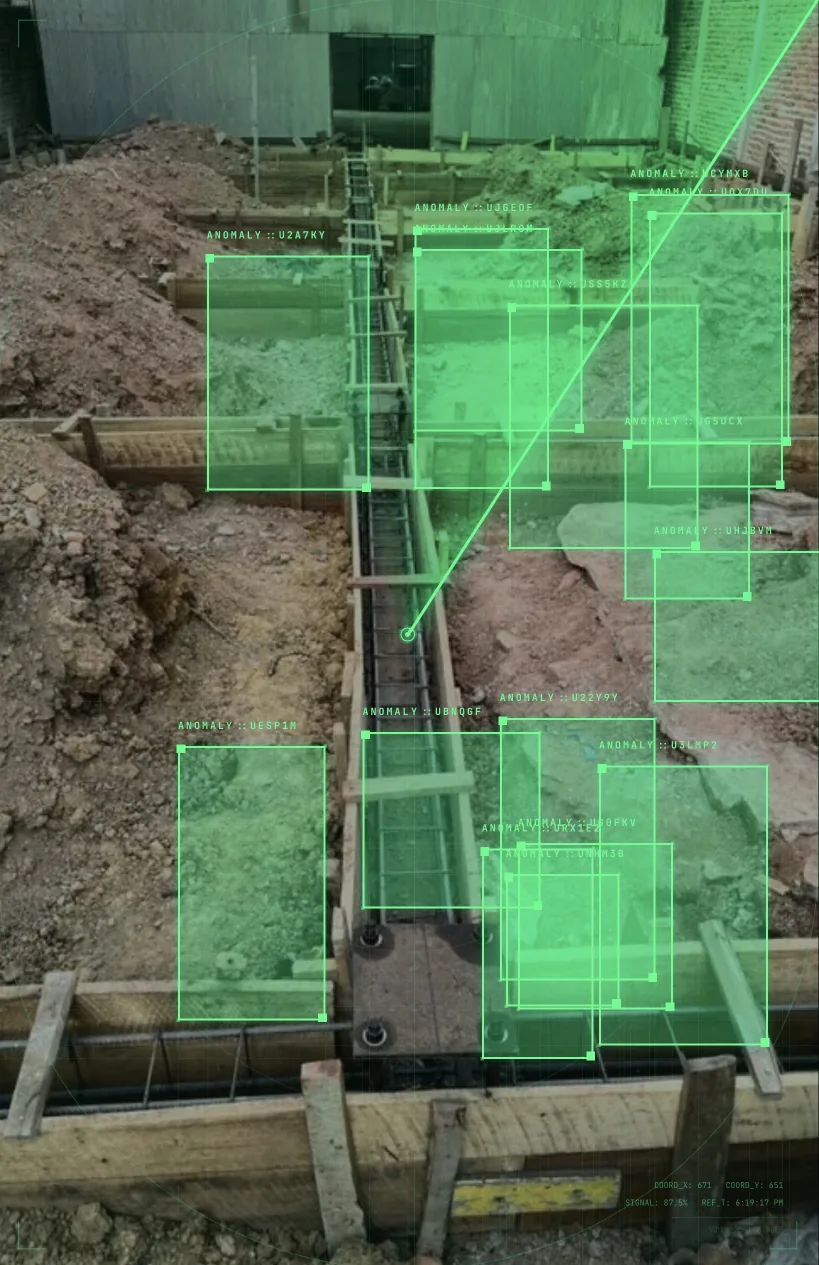
Short version priority —
top corners
SLEEP
SOUNDLY
Additional placement of the full version —
bottom corner of the image
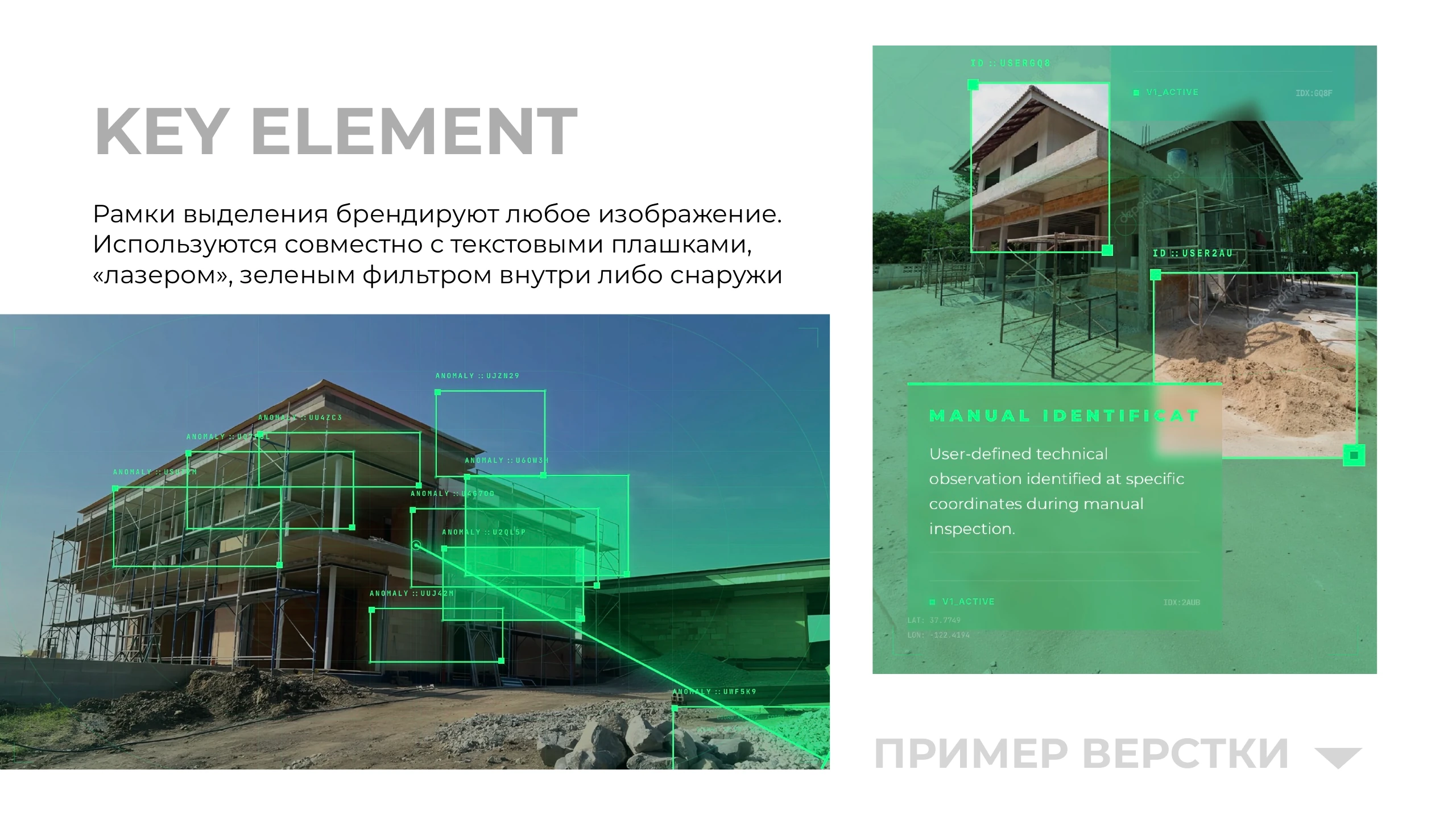
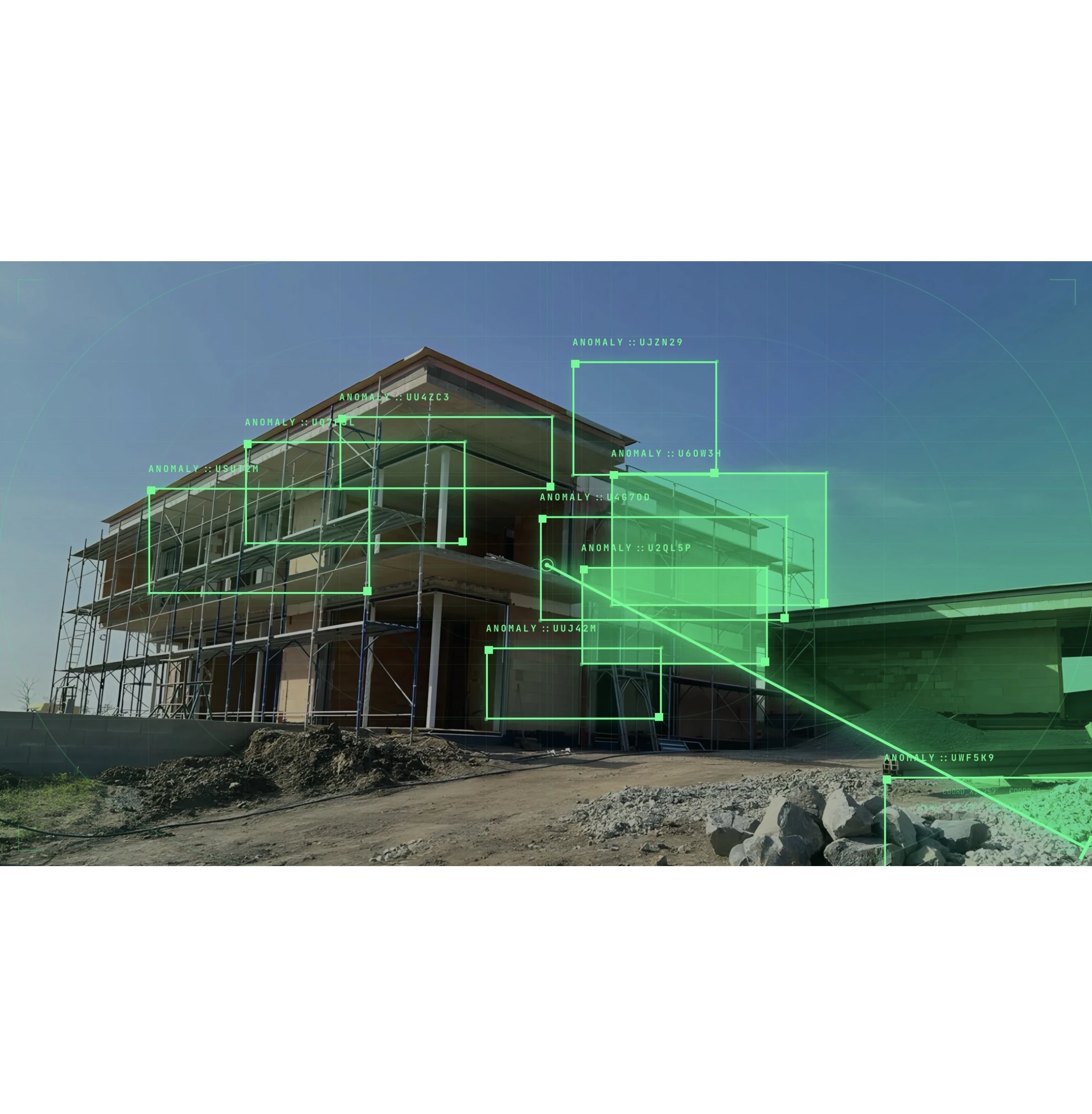
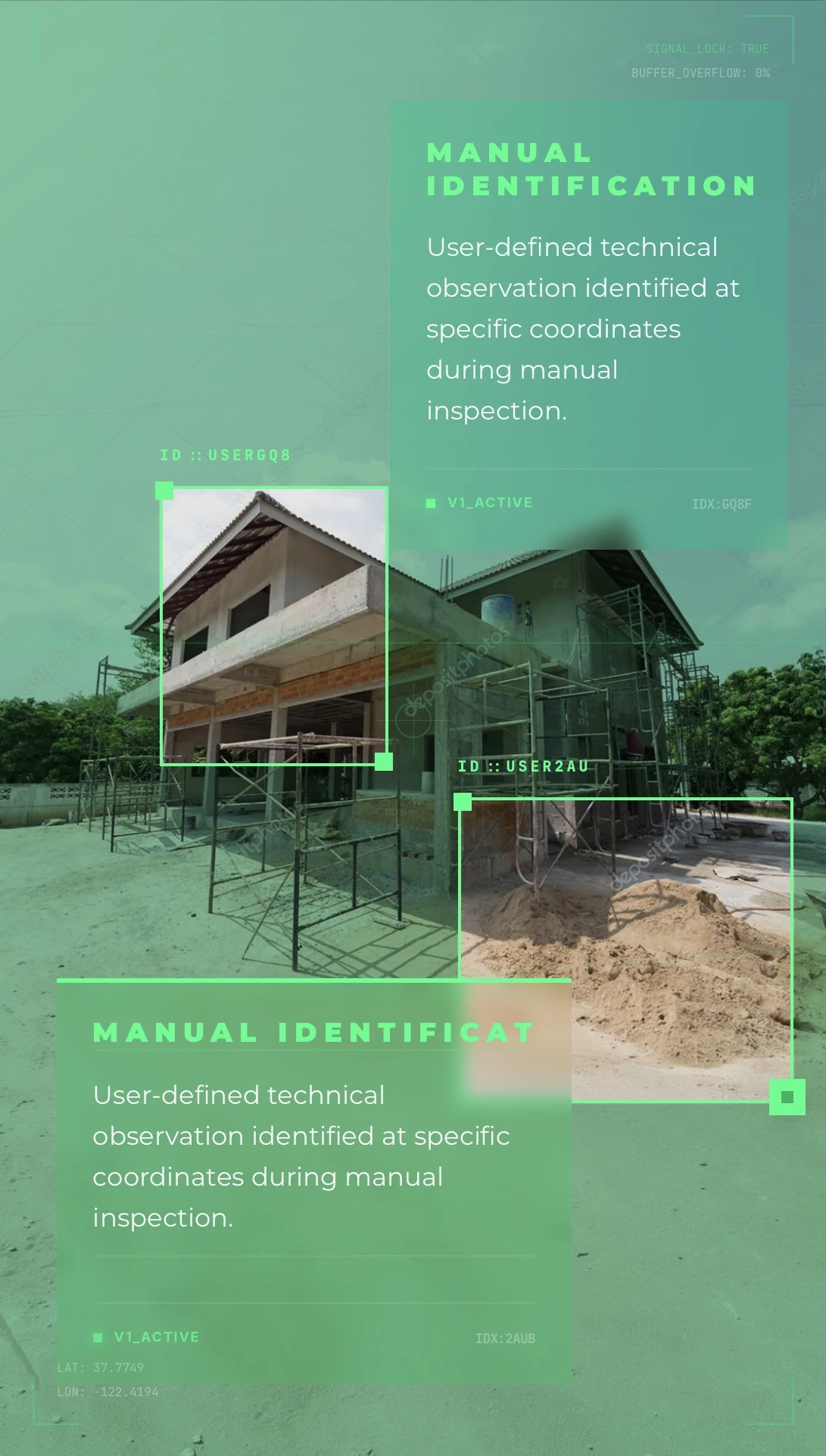
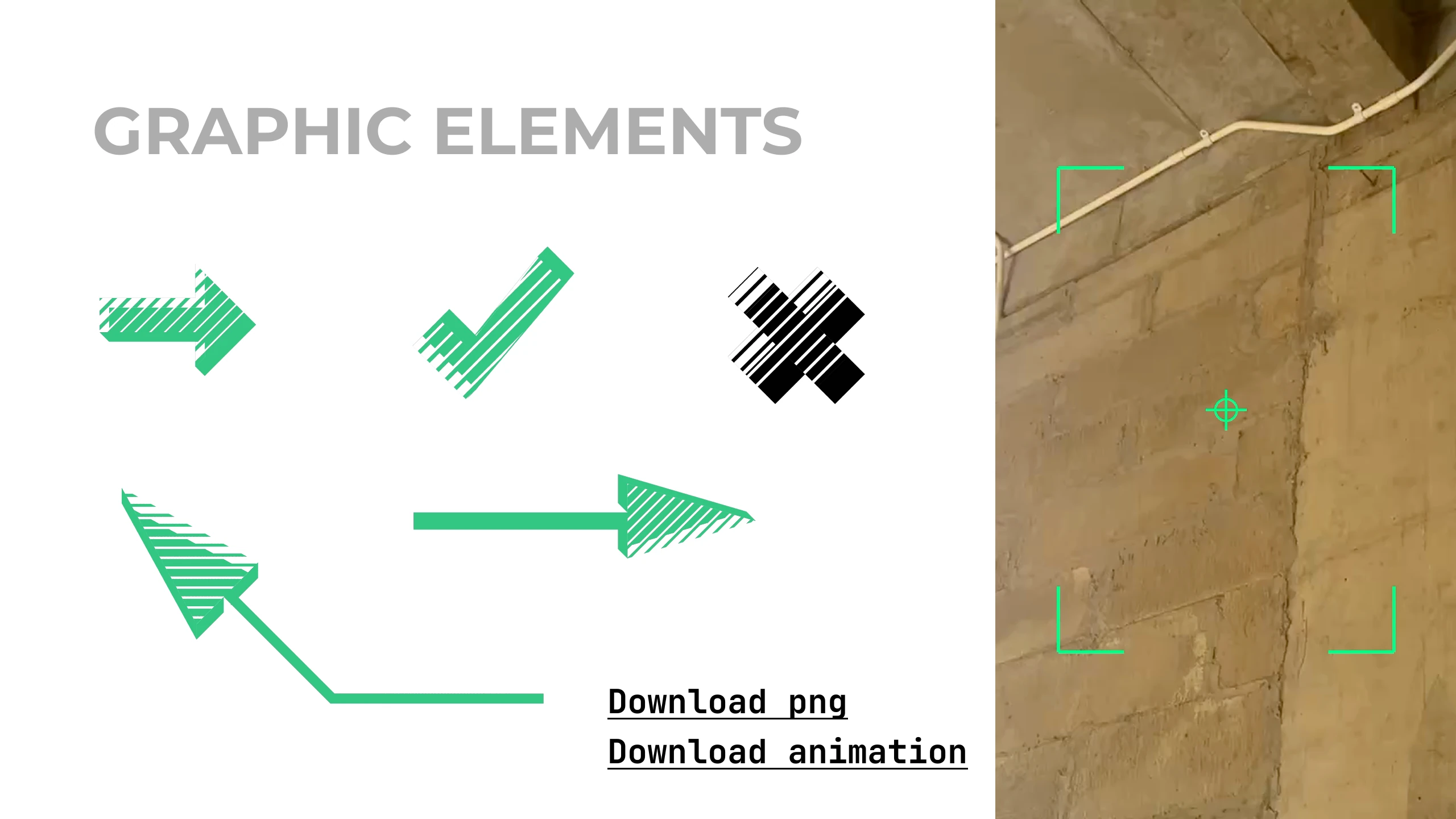
KEY ELEMENT
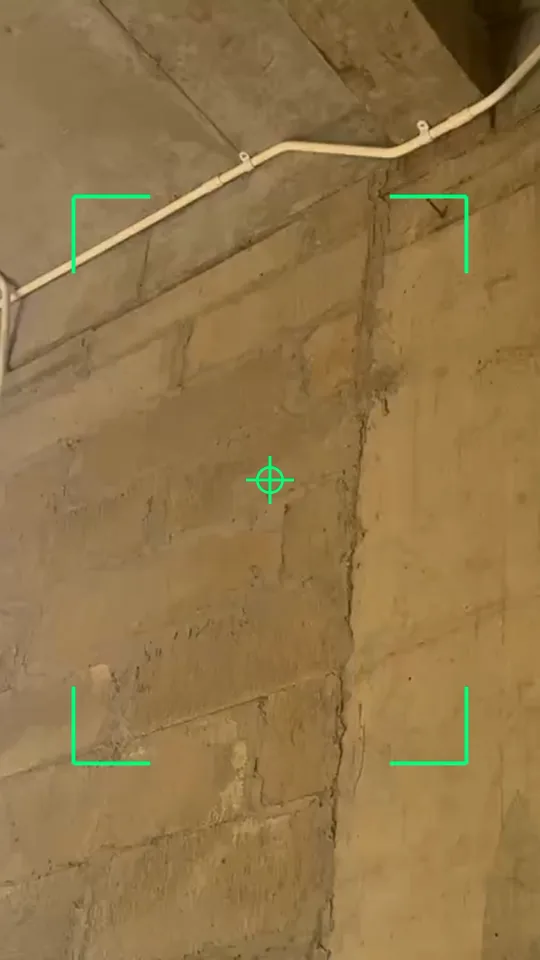
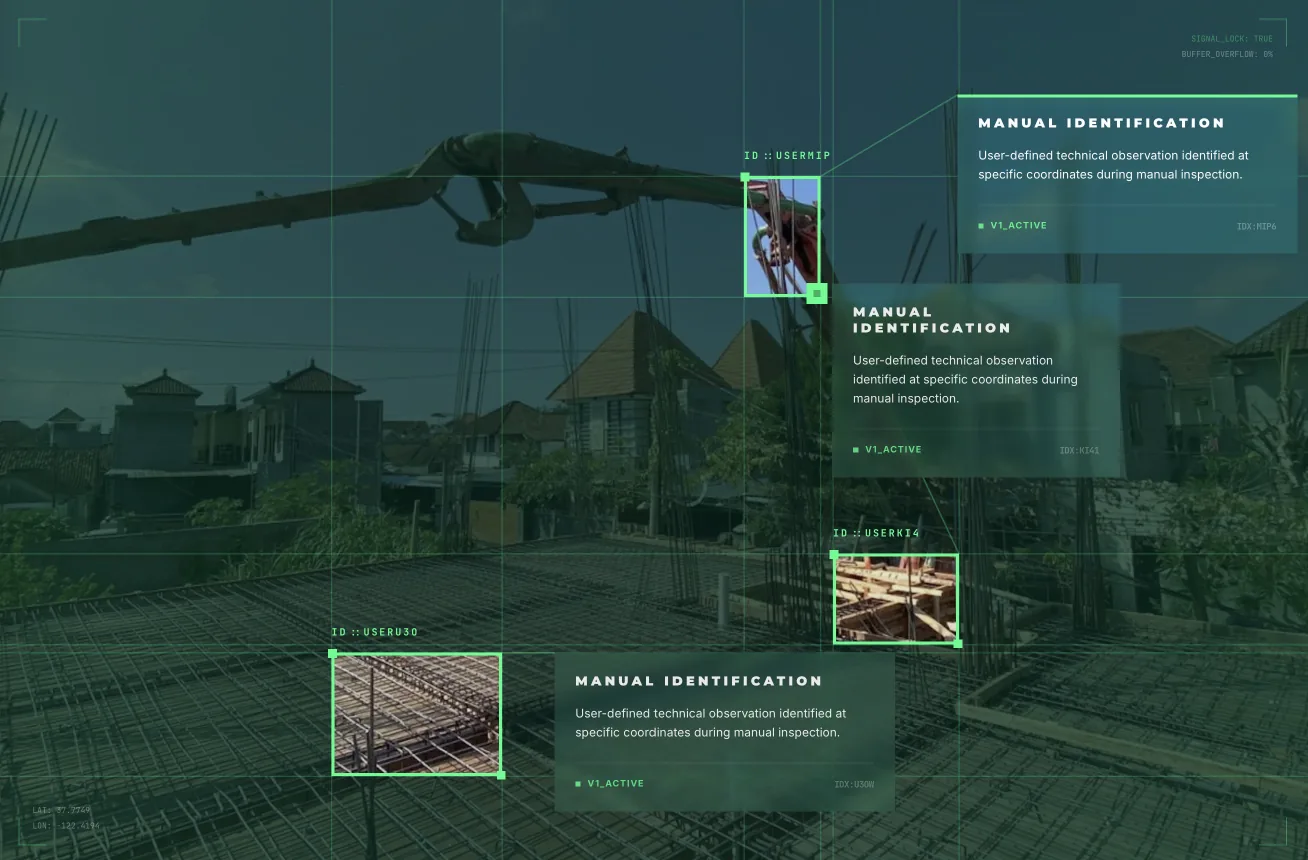
Selection frames brand any image.
Used together with text bars,
a “laser”, or a green filter inside or outside
LAYOUT EXAMPLE
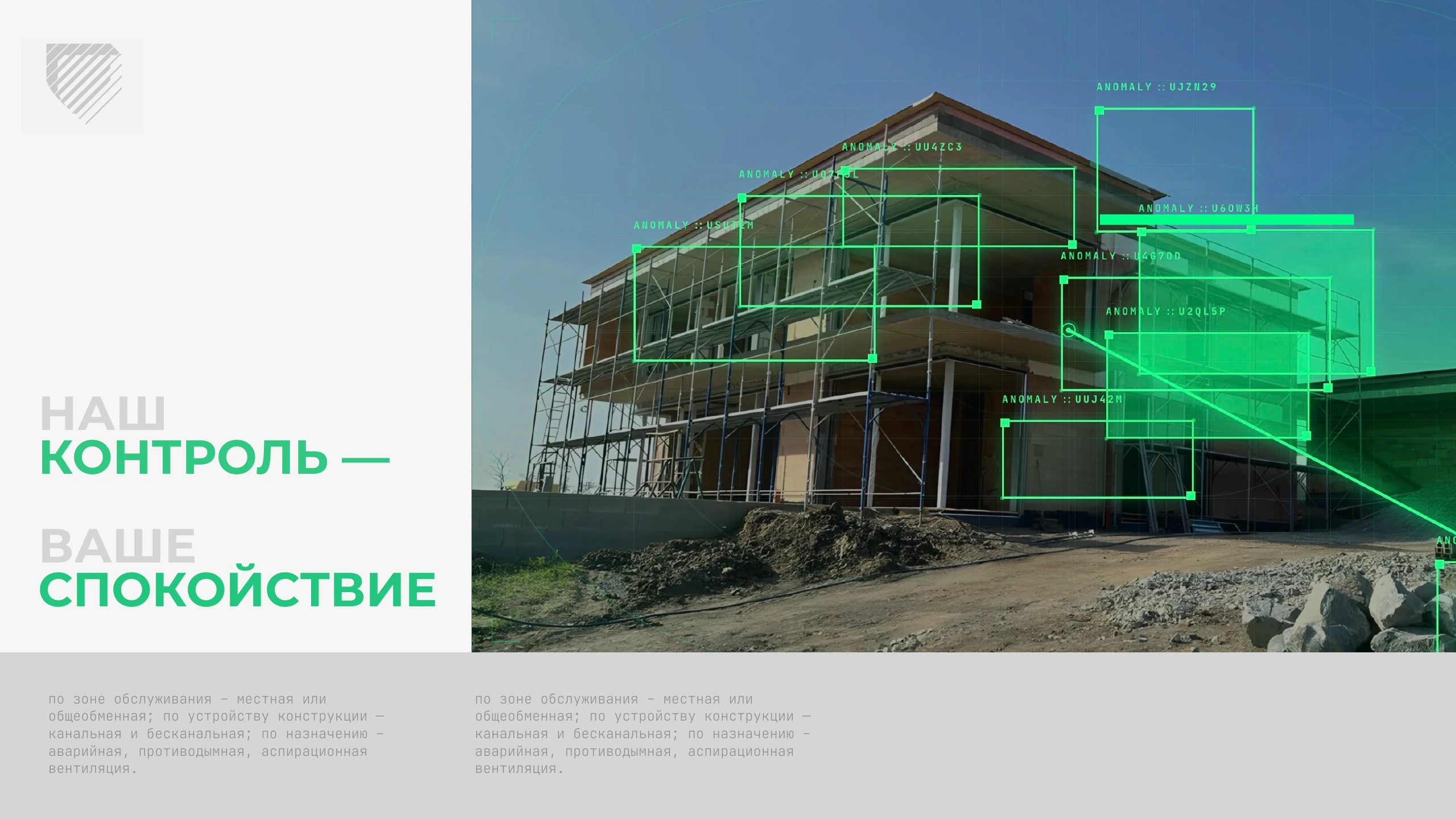
OUR
CONTROL —
YOUR
PEACE OF MIND
by service area — local or
general; by structure —
ducted or ductless; by purpose —
emergency, smoke, aspiration
ventilation.
by service area — local or
general; by structure —
ducted or ductless; by purpose —
emergency, smoke, aspiration
ventilation.
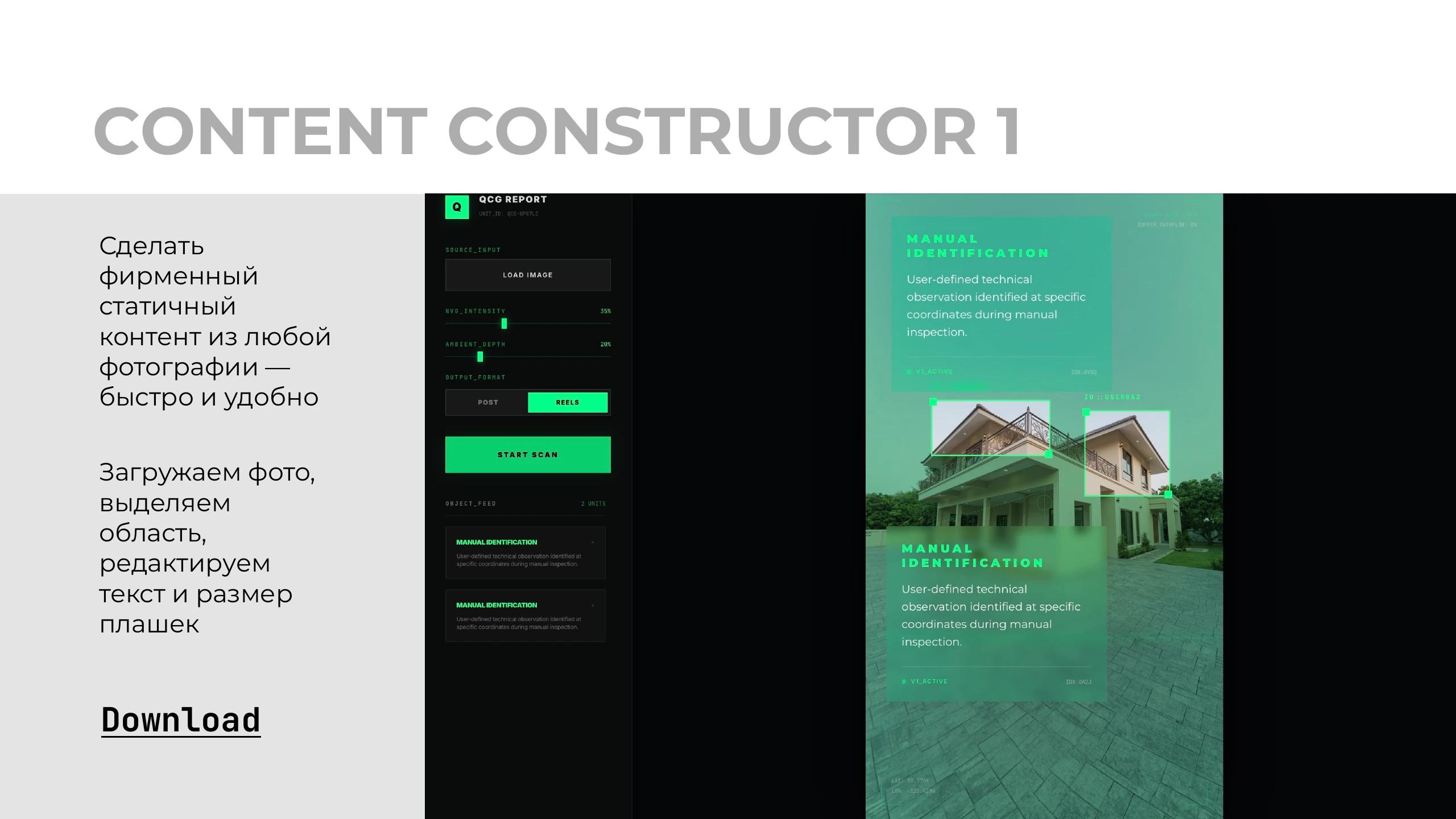
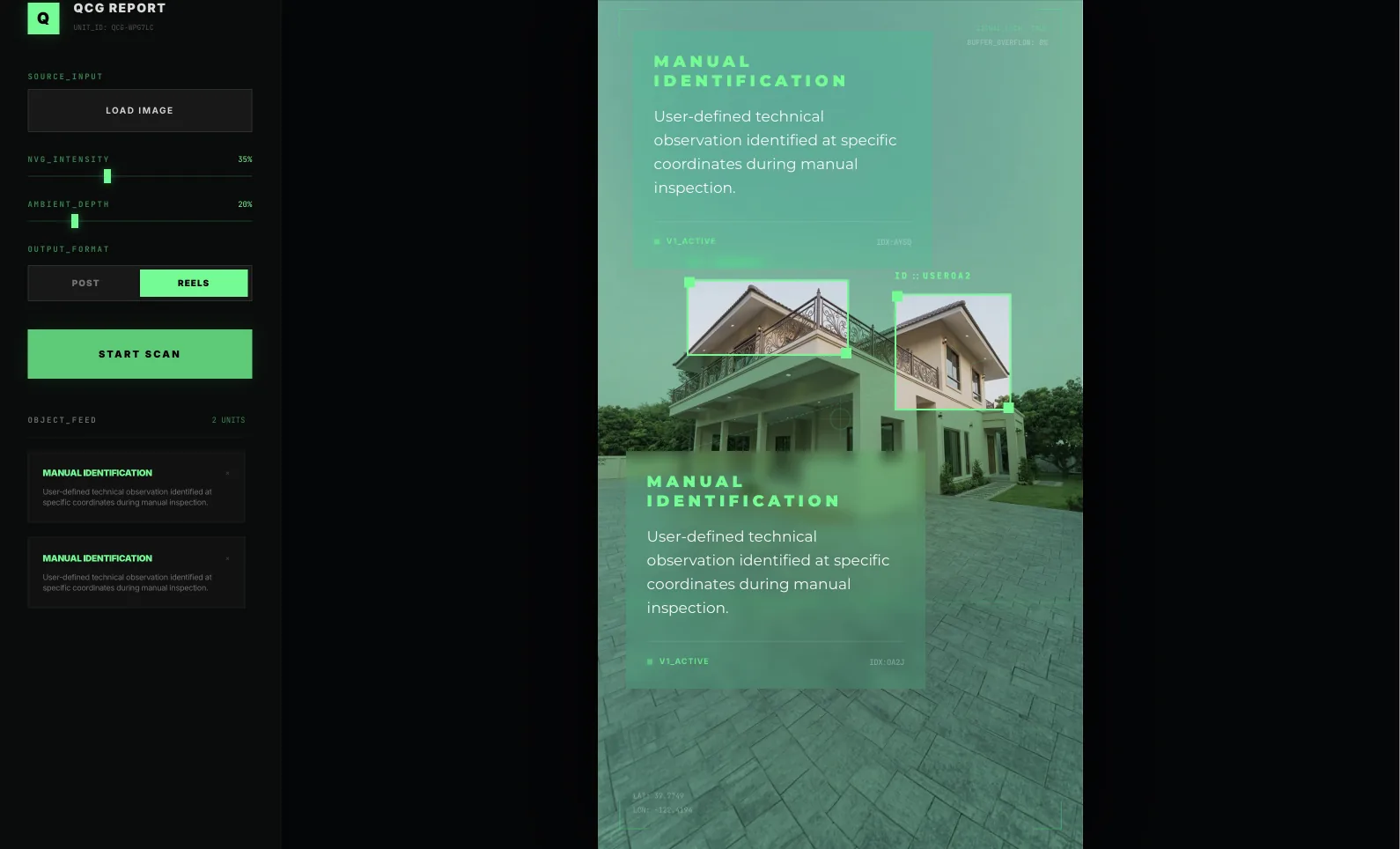
CONTENT CONSTRUCTOR 1
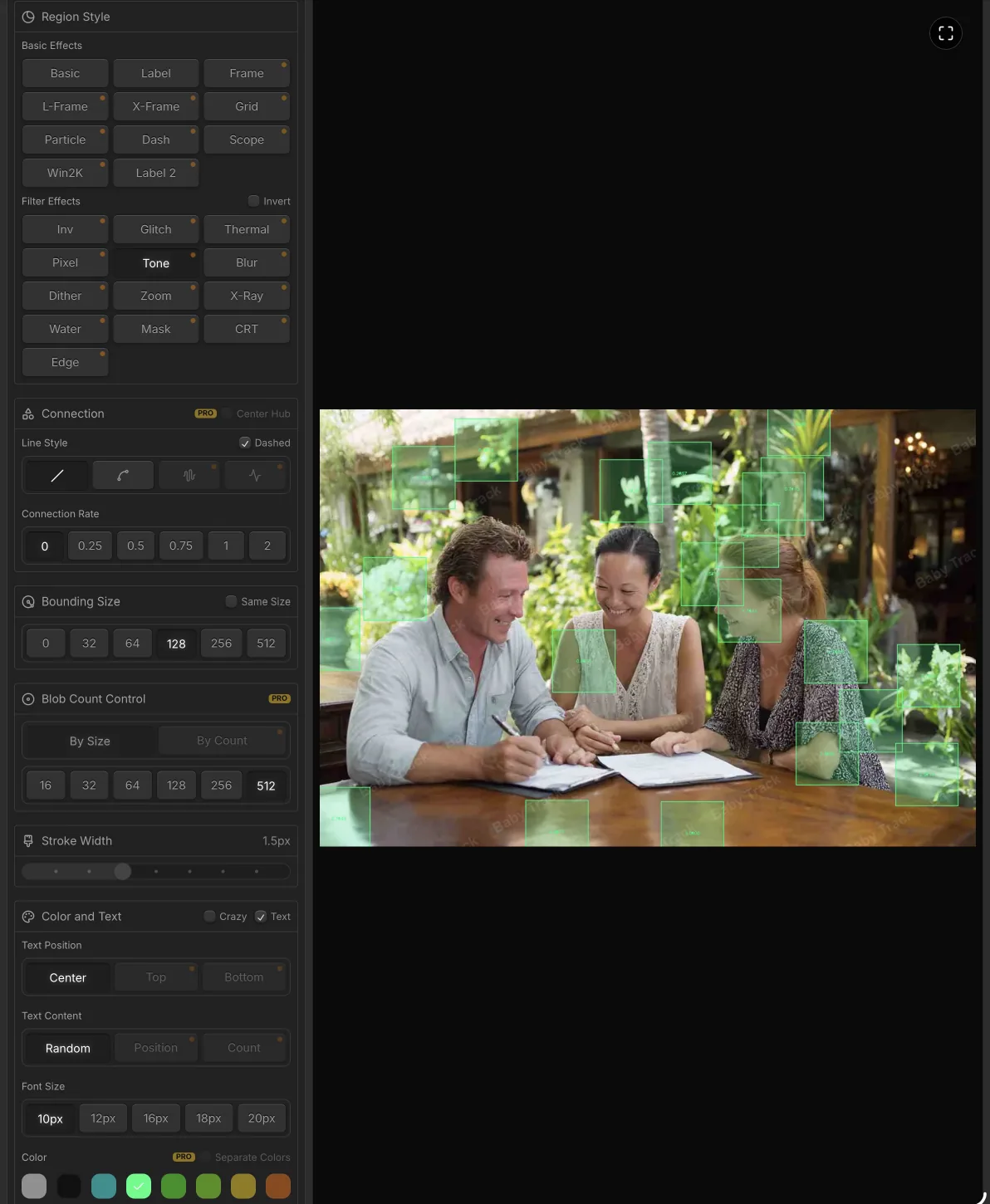
Create
branded
static
content from any
photo —
quickly and easily
Upload a photo,
select an
area,
edit the
text and size
of the bars
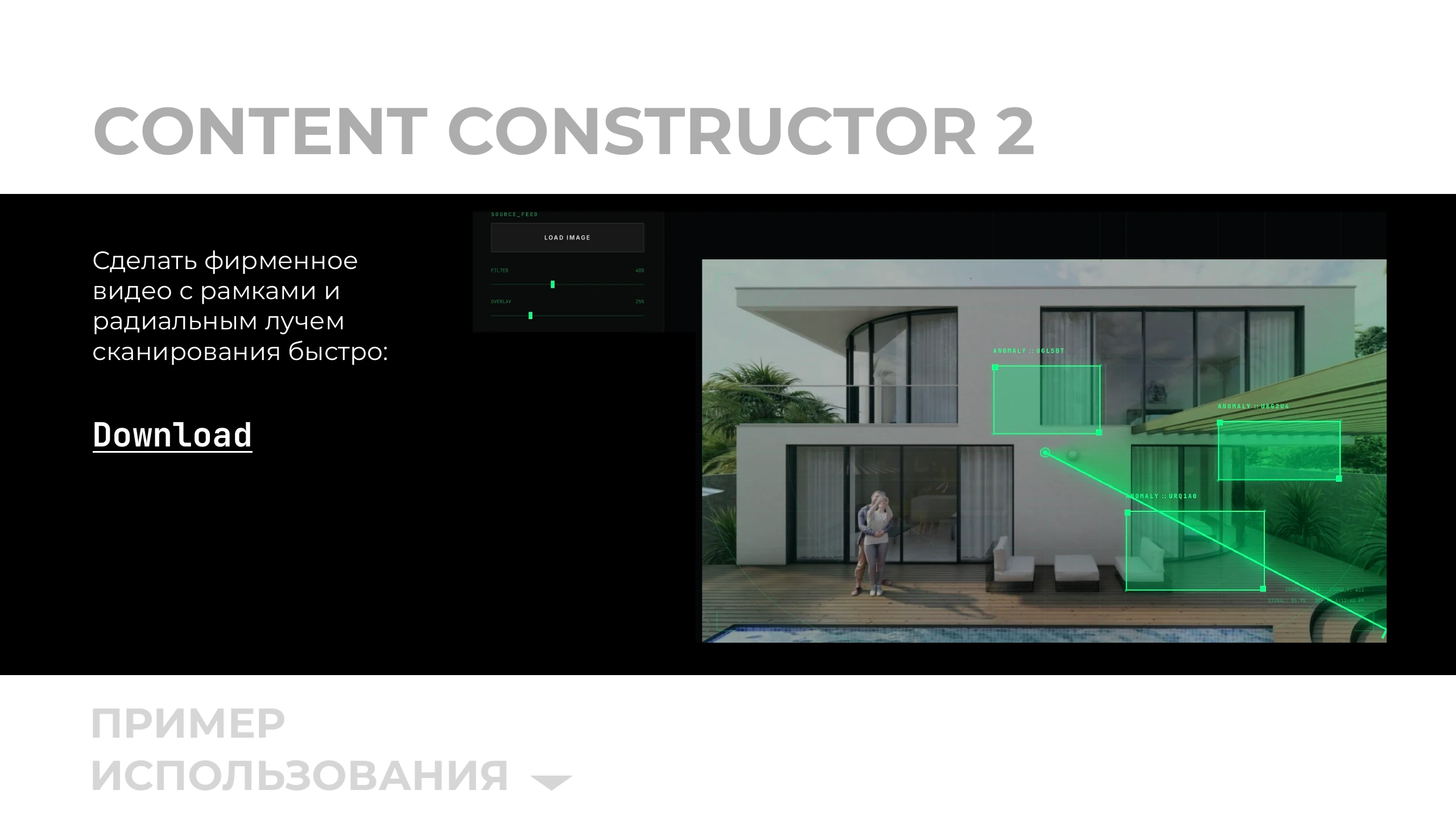
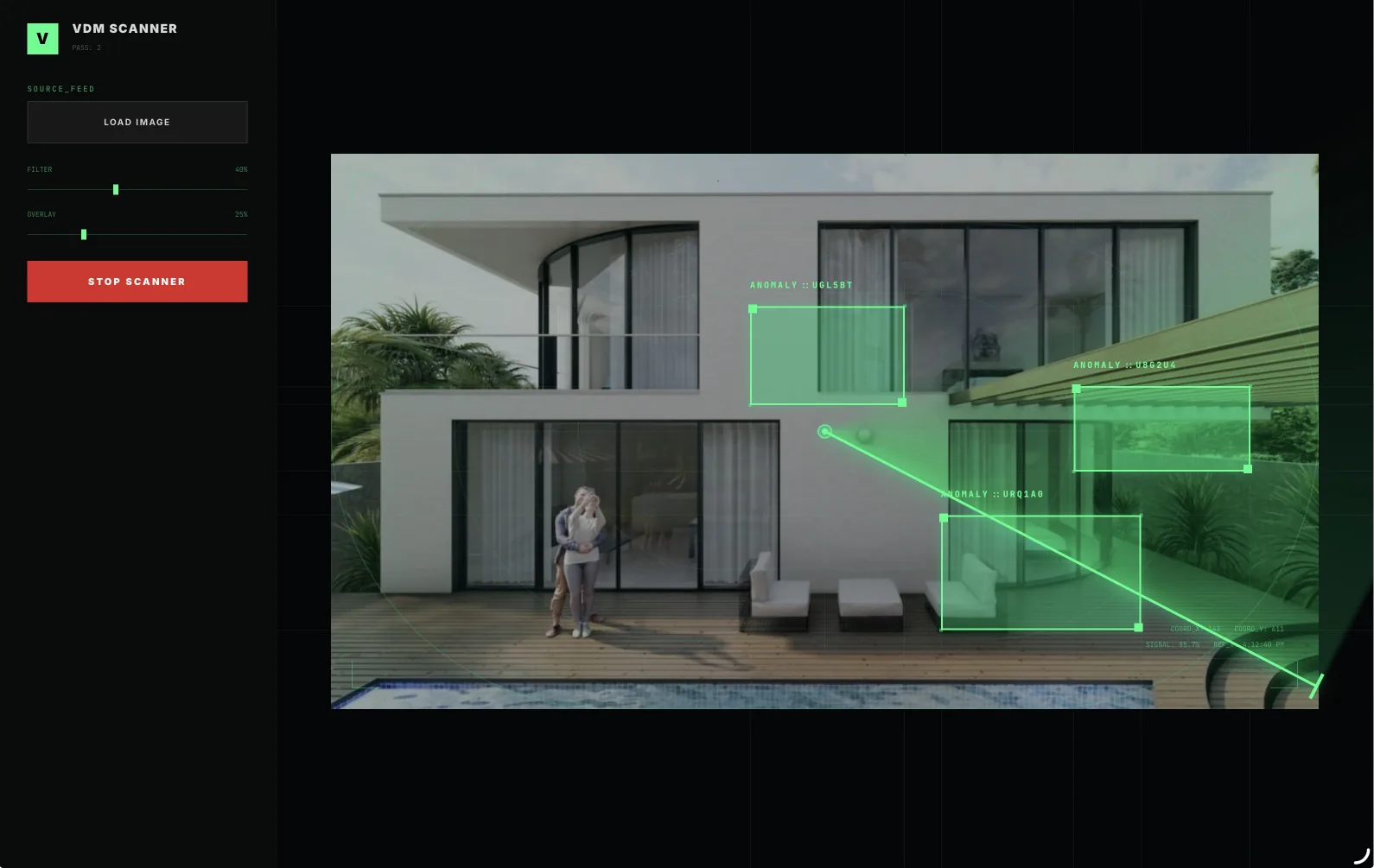
CONTENT CONSTRUCTOR 2
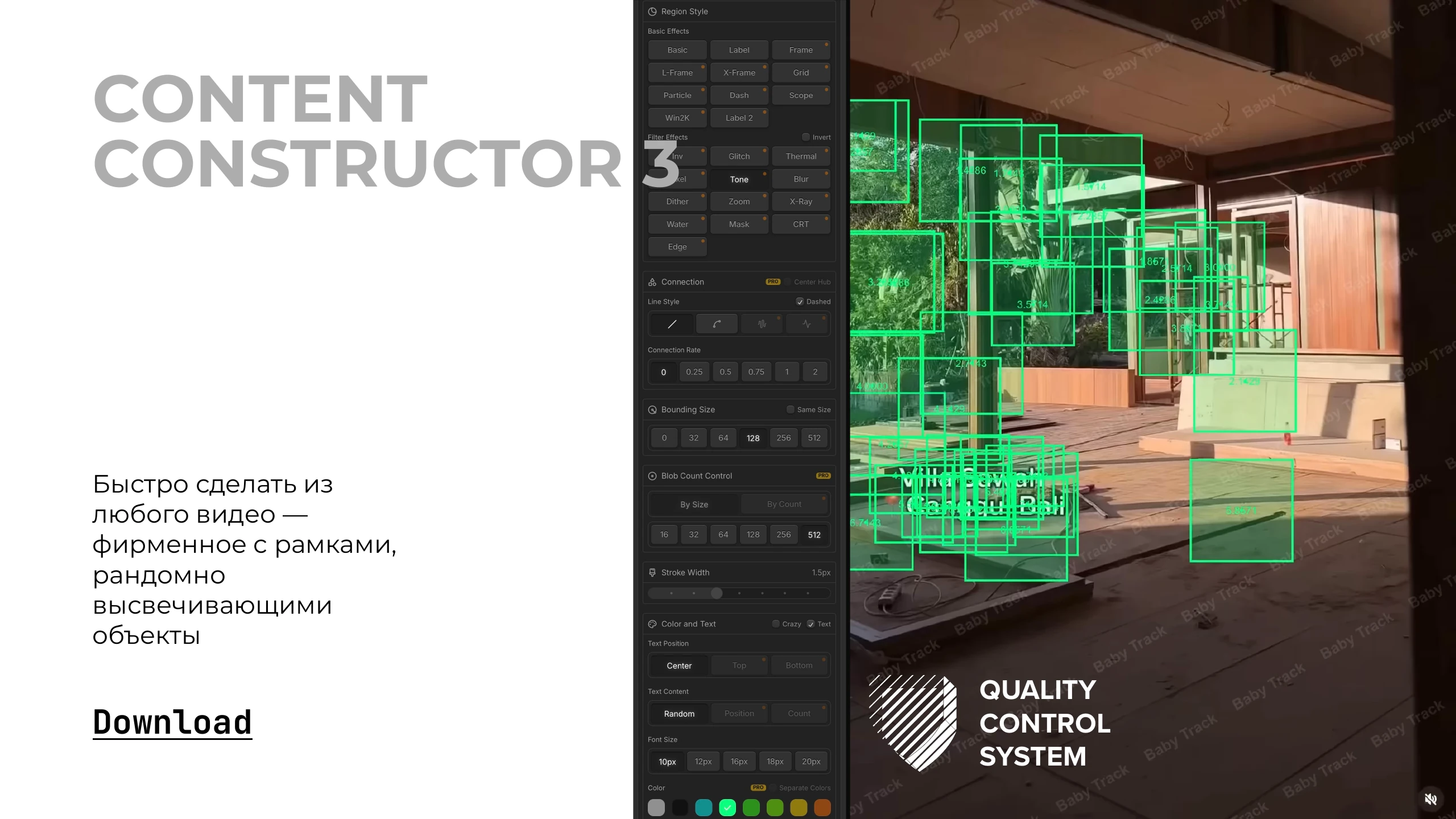
Create branded
video with frames and
a radial scanning
beam, fast:


QUALITY
CONTROL
SYSTEM
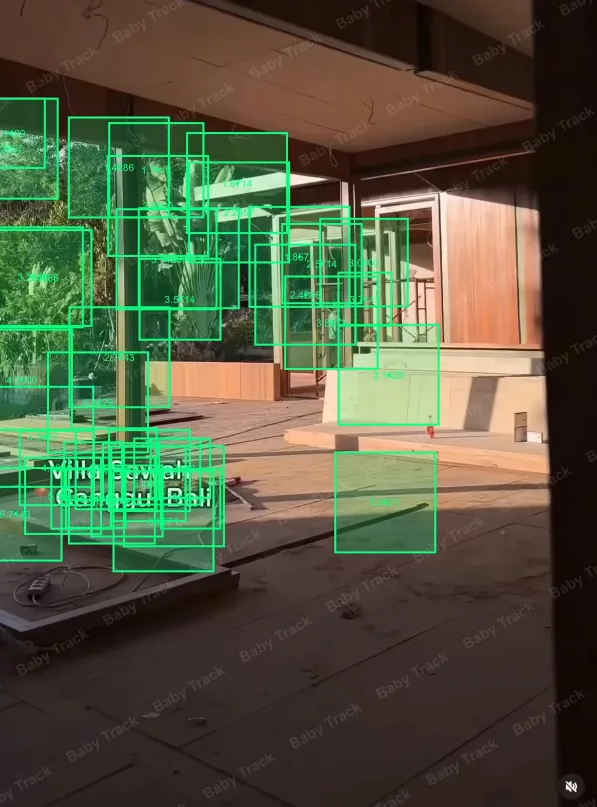
Quickly turn any
video into a
branded one with frames
randomly
highlighting
objects
CONTENT
CONSTRUCTOR 3
TYPOGRAPHY
OUR
CONTROL —
YOUR
PEACE OF MIND
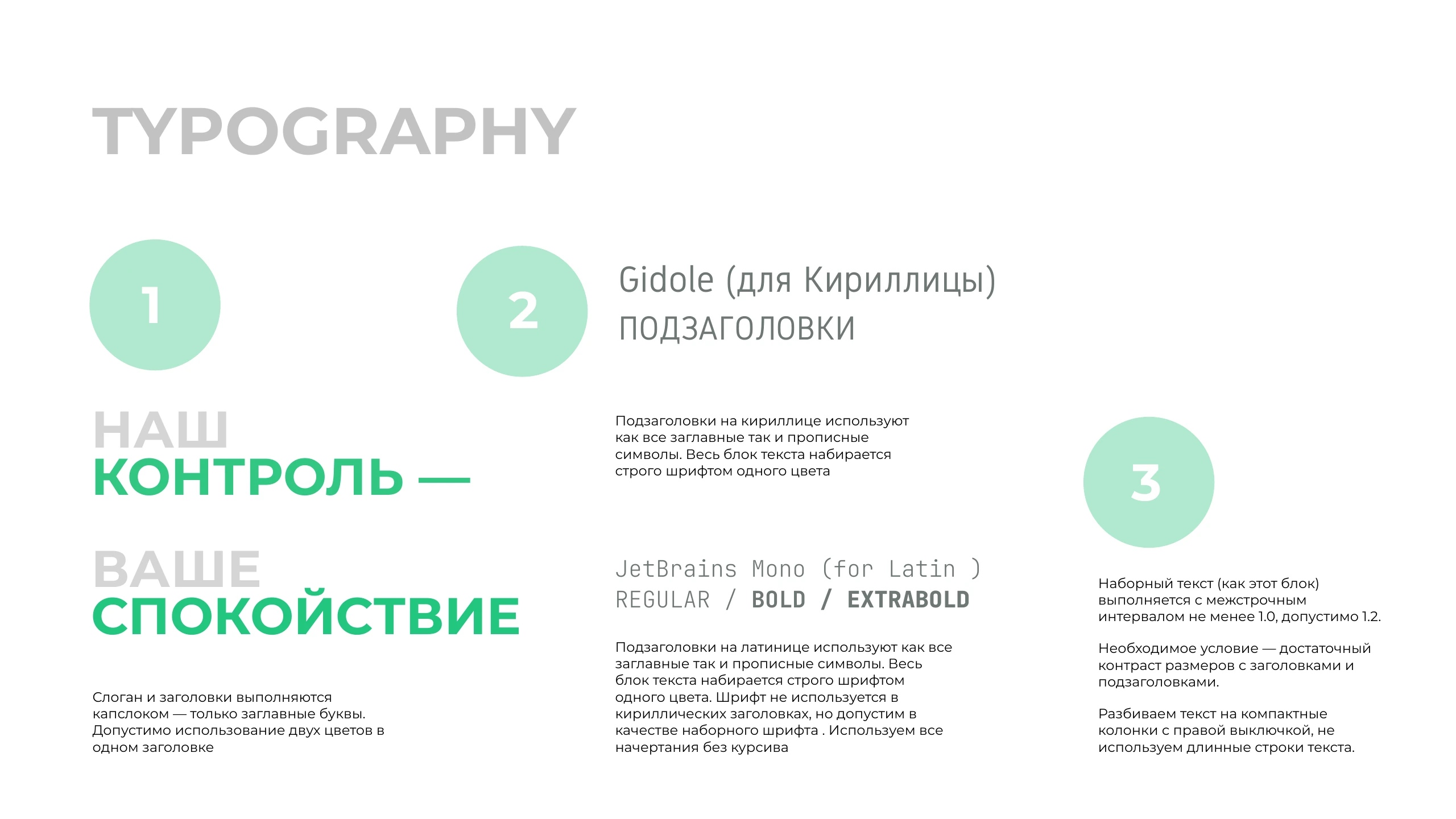
The slogan and headlines are set
in all caps — uppercase only.
Two colors may be used in
a single headline
Gidole (for Cyrillic)
SUBHEADS
JetBrains Mono (for Latin )
REGULAR /
BOLD /
EXTRABOLD
Cyrillic subheads use
both uppercase and lowercase
letters. The whole block is set
strictly in one color
Latin subheads use both
uppercase and lowercase letters. The
whole block is set strictly in
one color. The font isn’t used in
Cyrillic headlines, but is allowed as
a body font. We use all
weights, no italics
Body text (like this block)
is set with line
spacing of at least 1.0, up to 1.2.
A must — sufficient
size contrast with headlines and
subheads.
Break text into compact
columns, right-aligned; avoid
long lines of text.
1
2
3
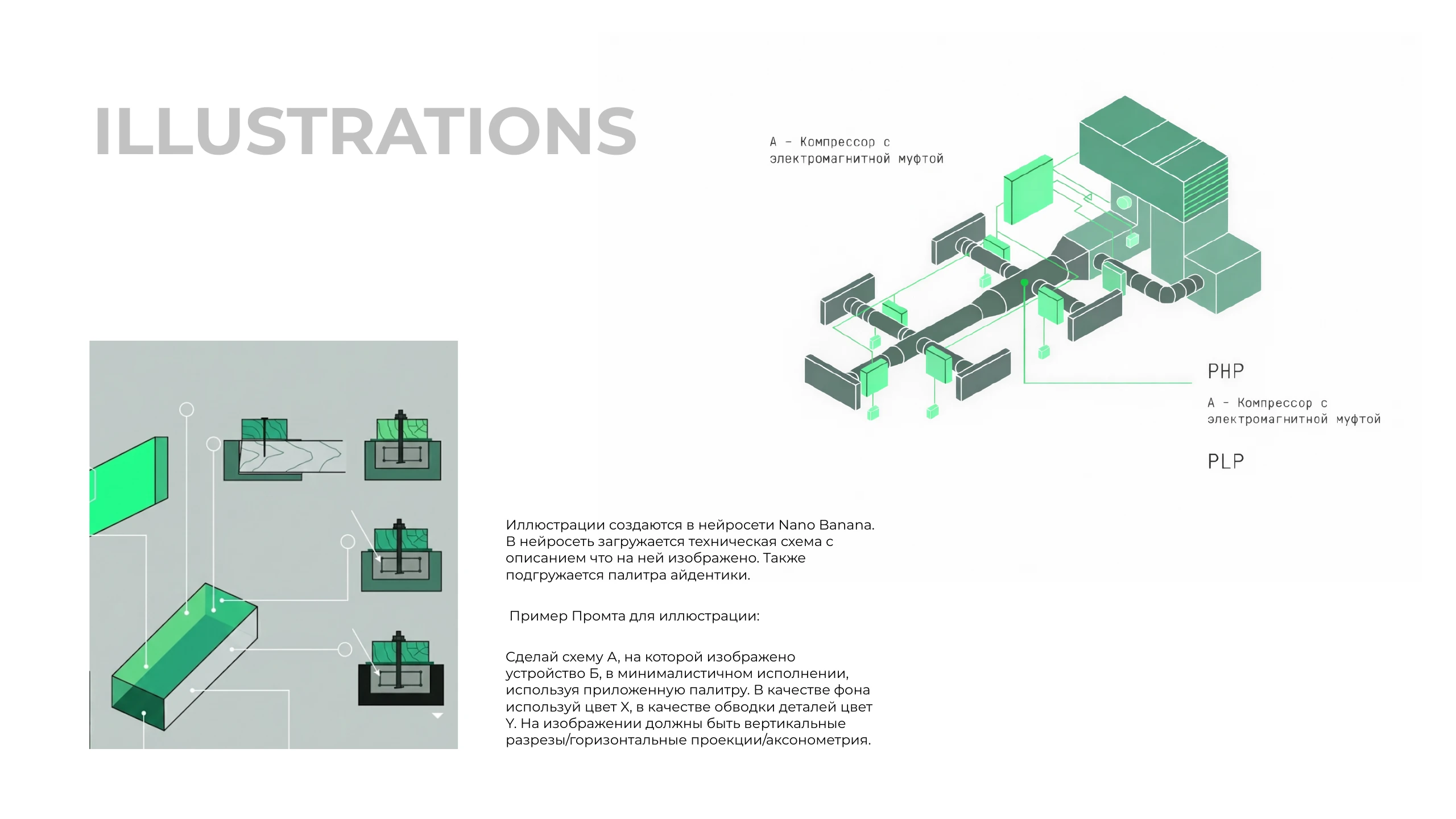
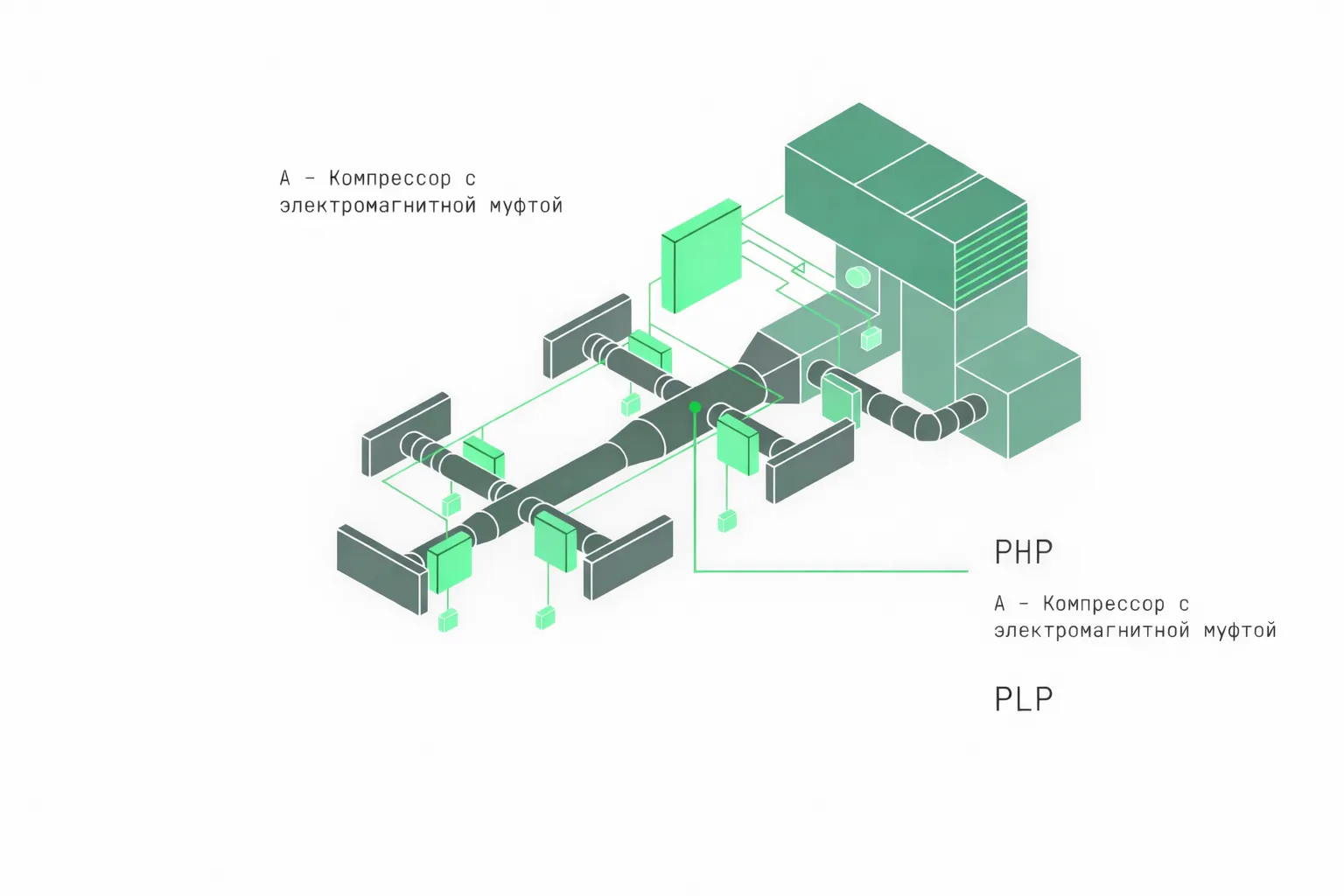
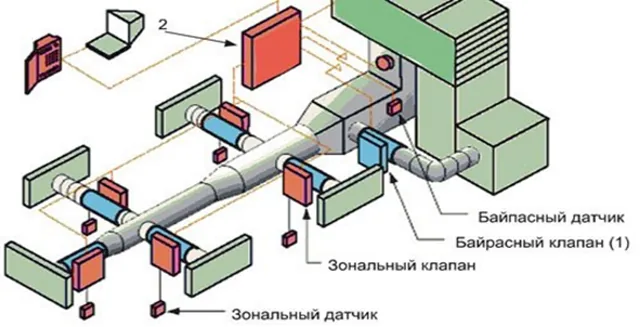
A — Compressor with
an electromagnetic clutch
PHP
PLP
A — Compressor with
an electromagnetic clutch
ILLUSTRATIONS
Illustrations are made in the Nano Banana neural net.
A technical diagram is uploaded with
a description of what it shows. The
identity palette is loaded too.
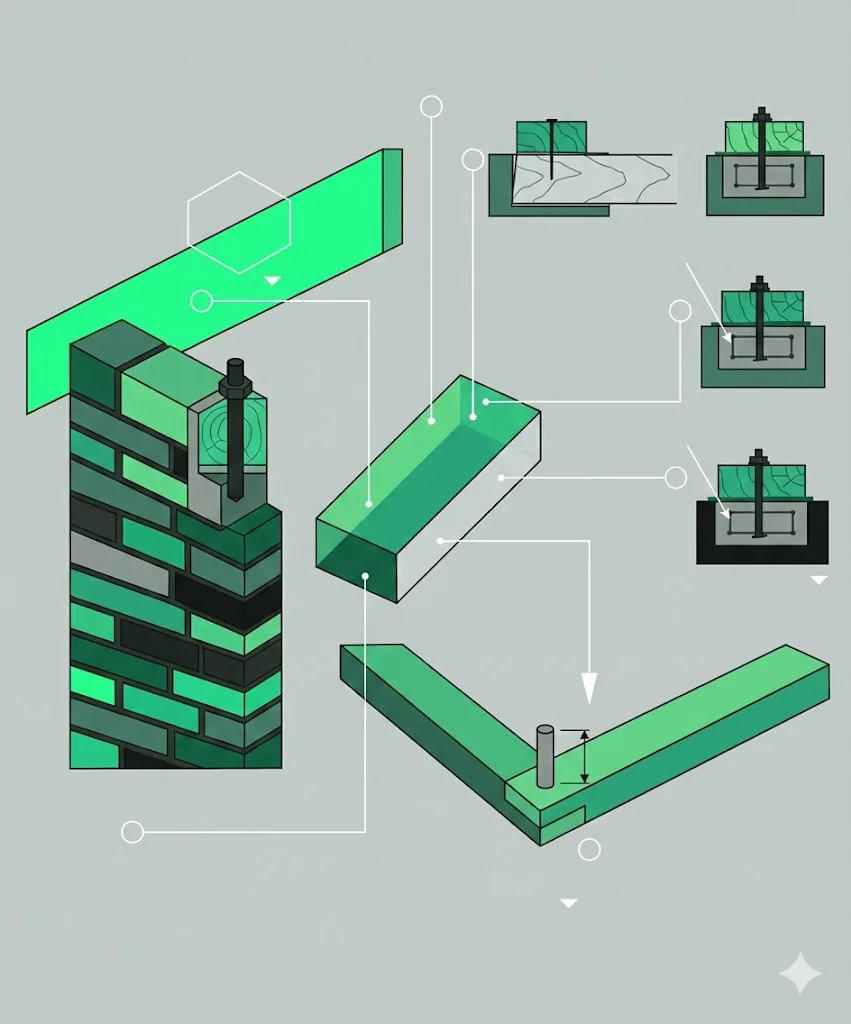
Example prompt for an illustration:
Make diagram A showing
device B in a minimalist style,
using the attached palette. For the background
use color X, for the part outlines use color
Y. The image should include vertical
sections / horizontal projections / axonometry.
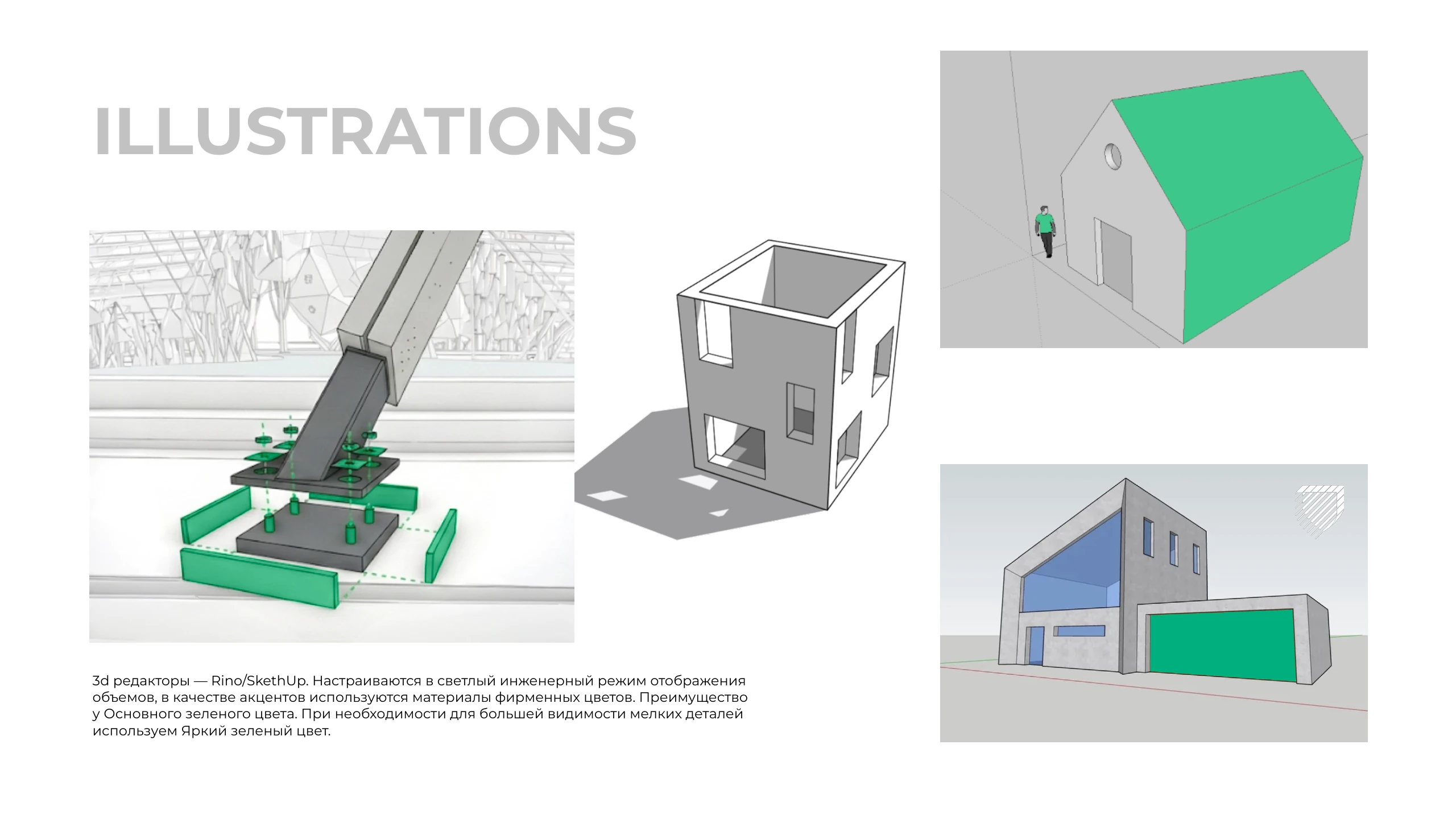
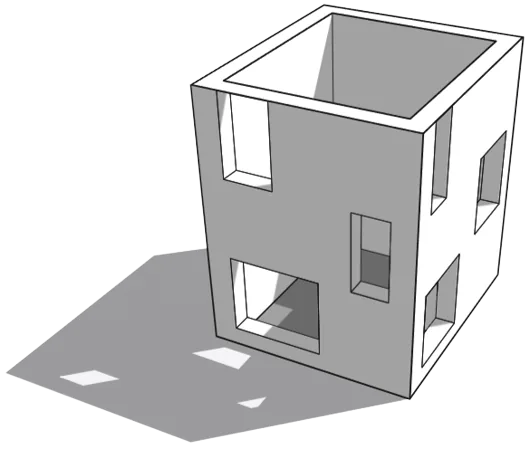
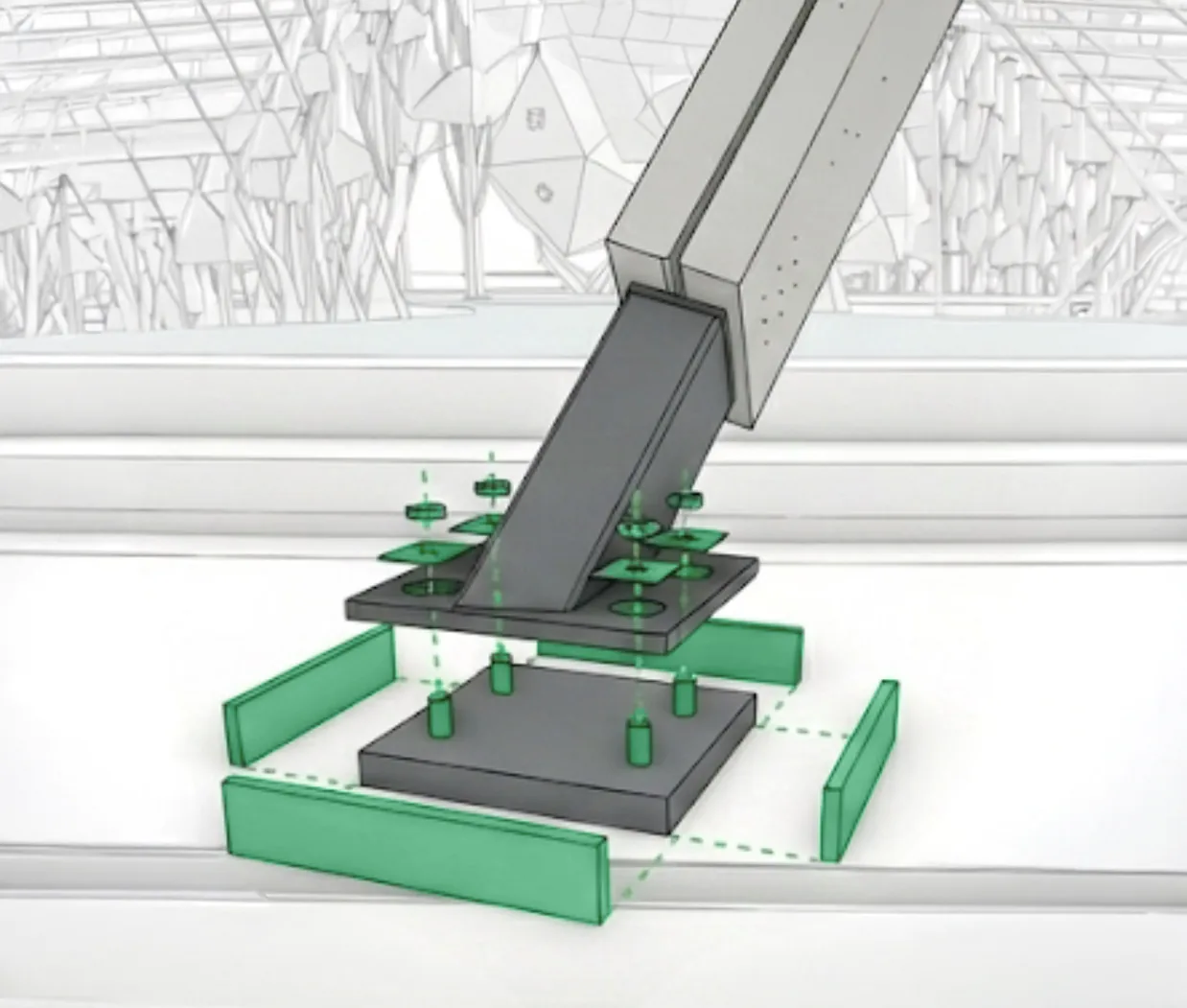
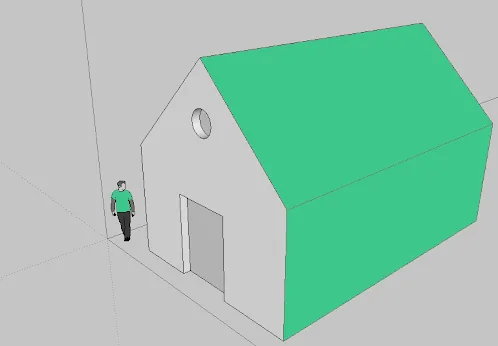
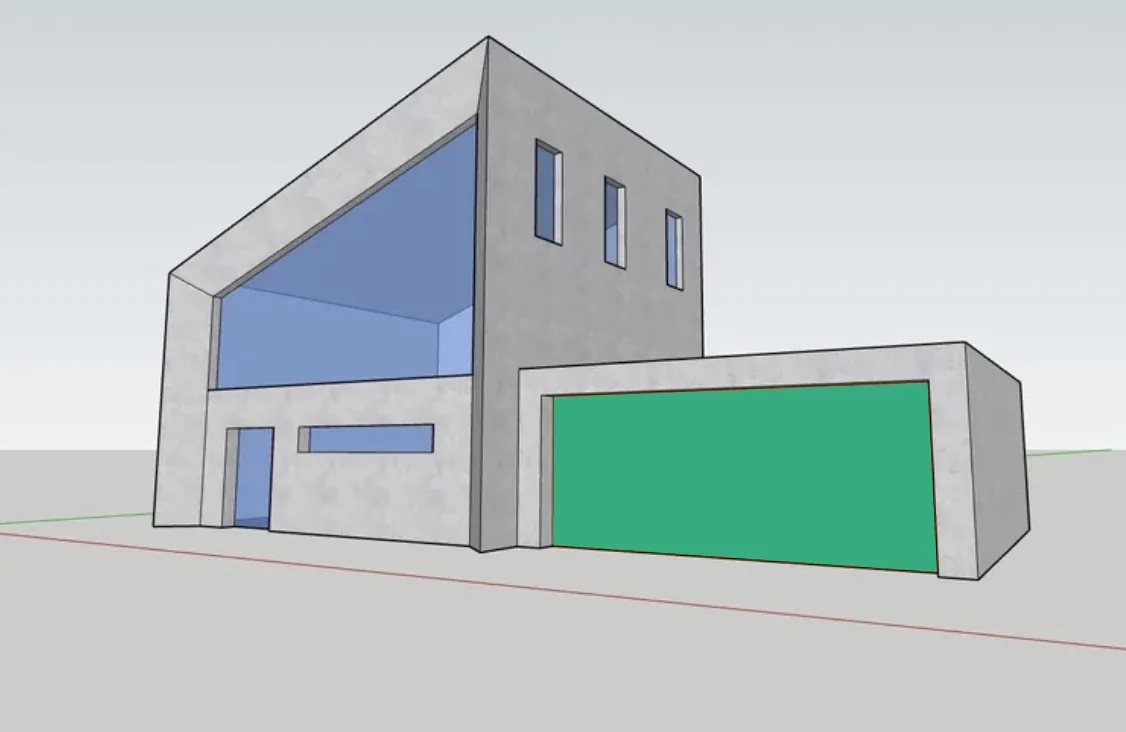
3D editors — Rhino / SketchUp. Set to a light engineering display mode for
volumes; brand-color materials are used as accents. Preference goes
to the Primary green. Where small details need more visibility
we use the Bright green.
ILLUSTRATIONS
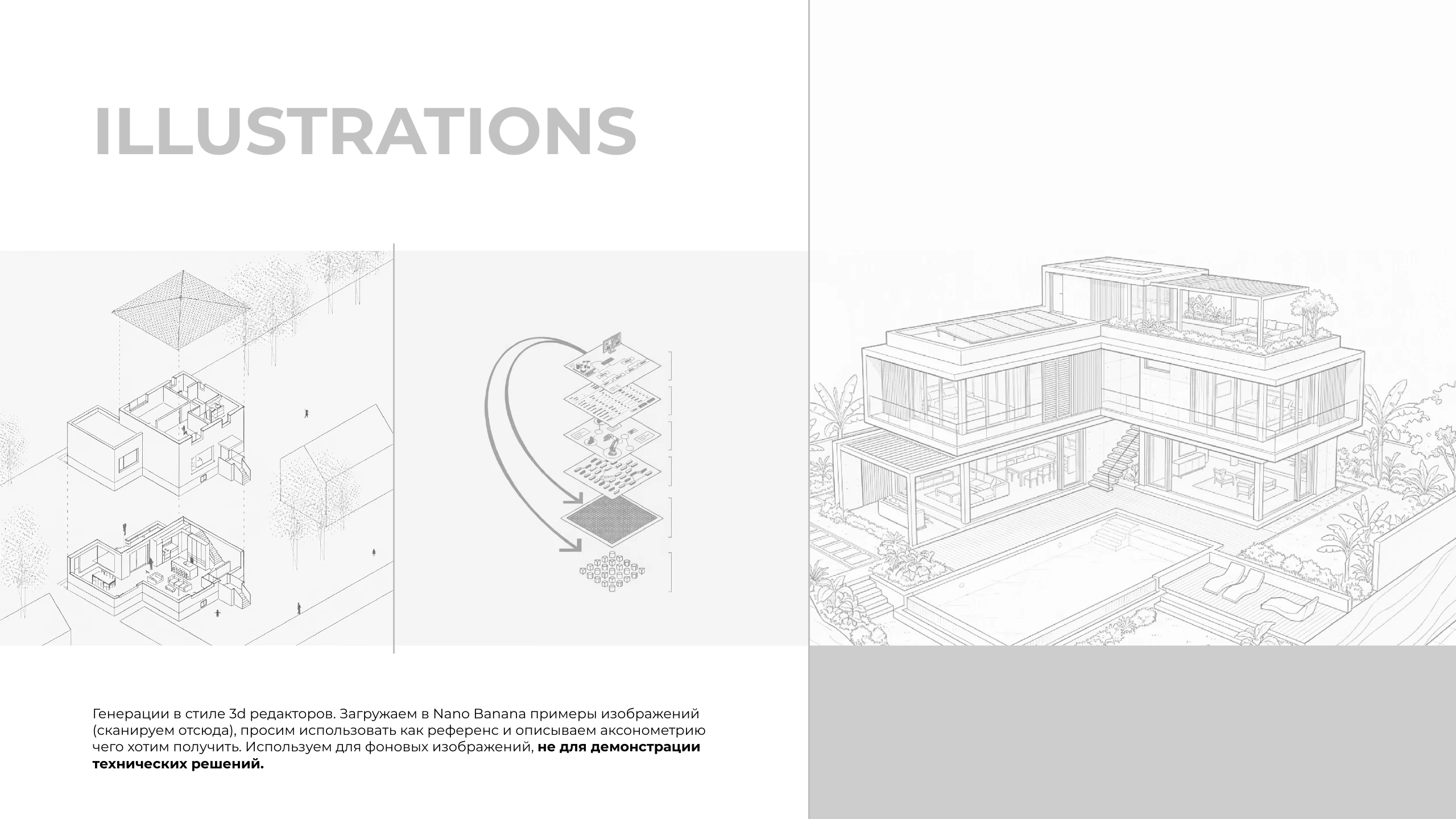
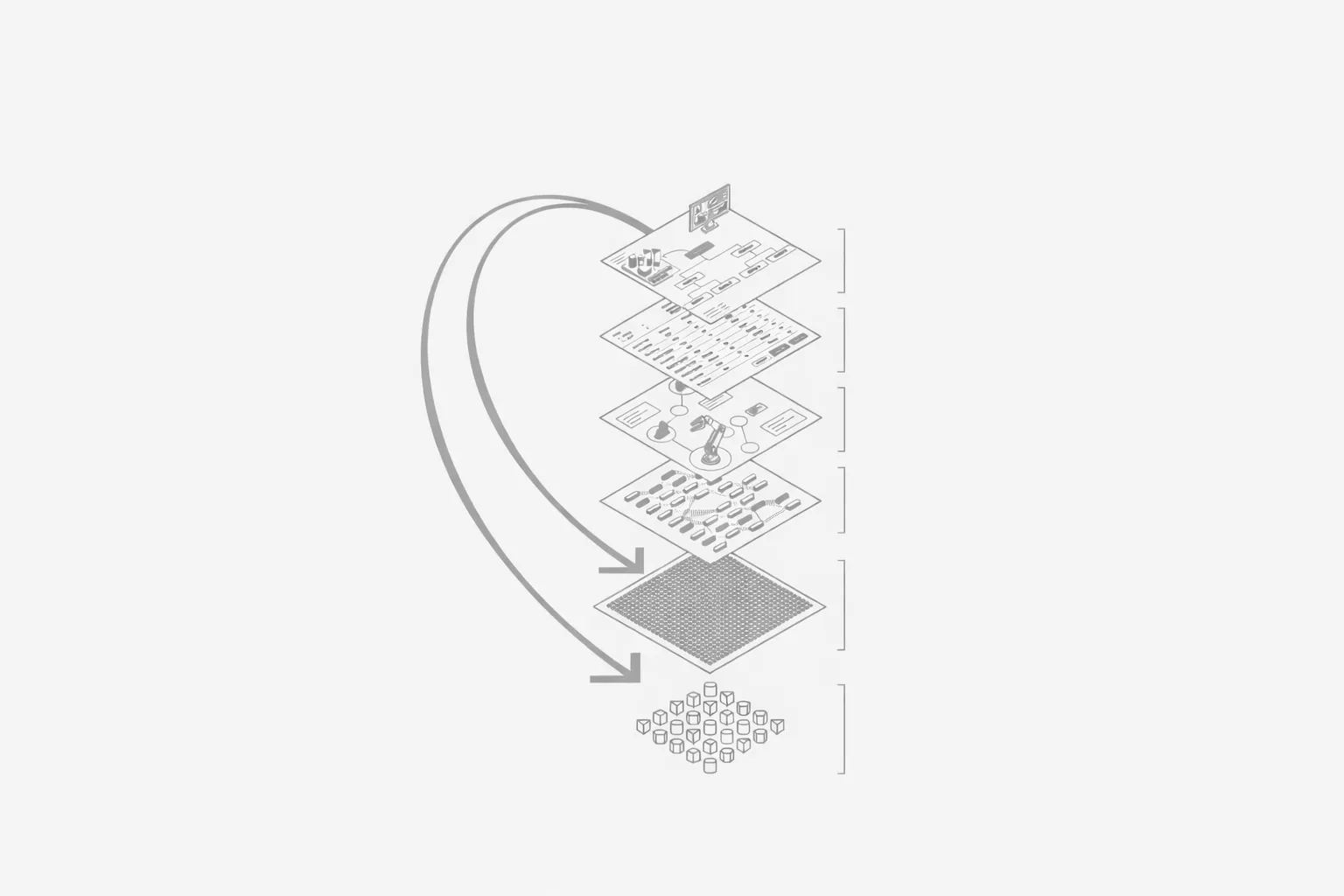
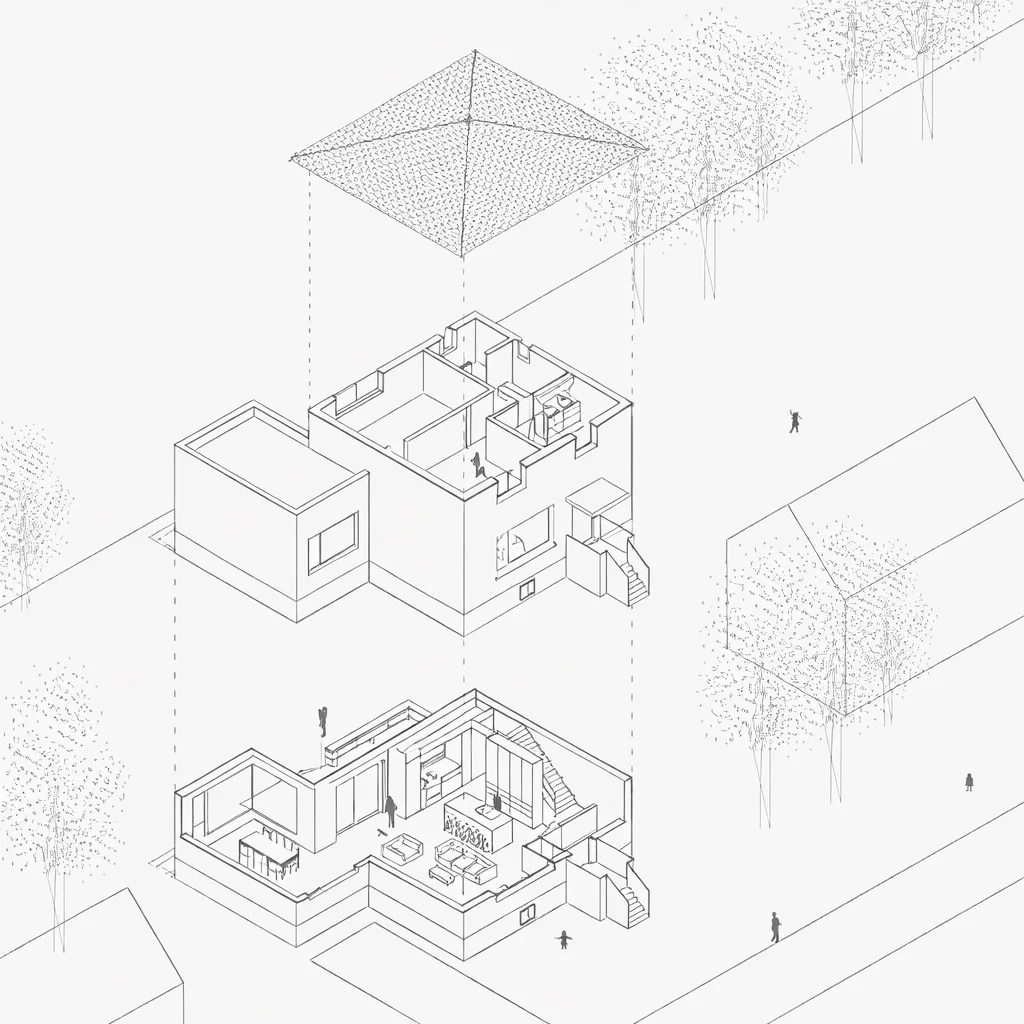
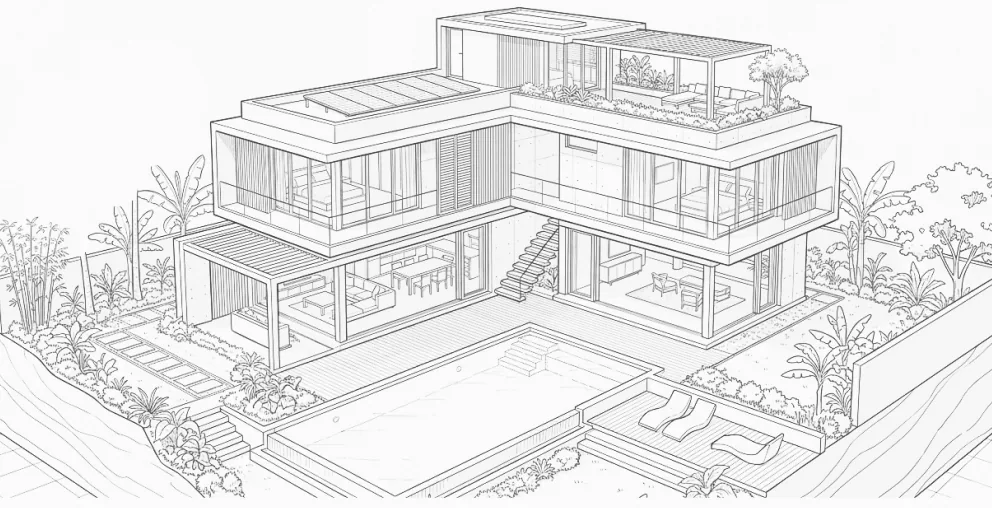
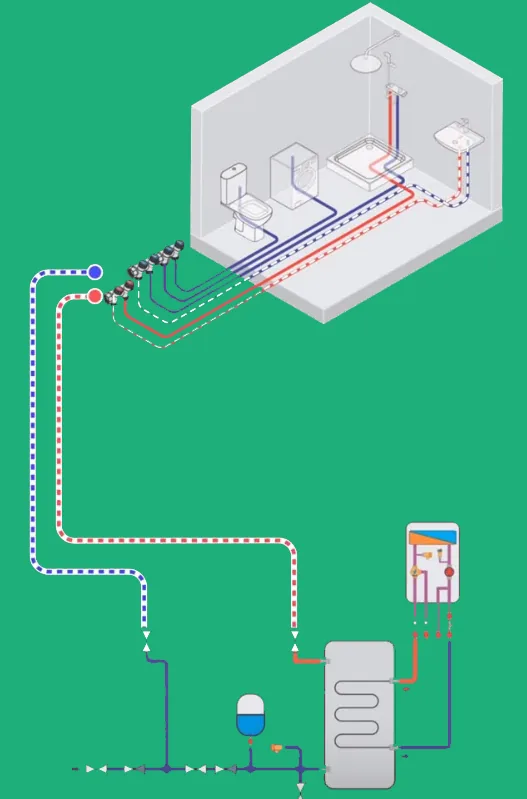
Generations in the style of 3D editors. Upload example images to Nano Banana
(scan them from here), ask it to use them as a reference and describe the axonometry
we want. Use for background images,
not for showing
technical solutions.
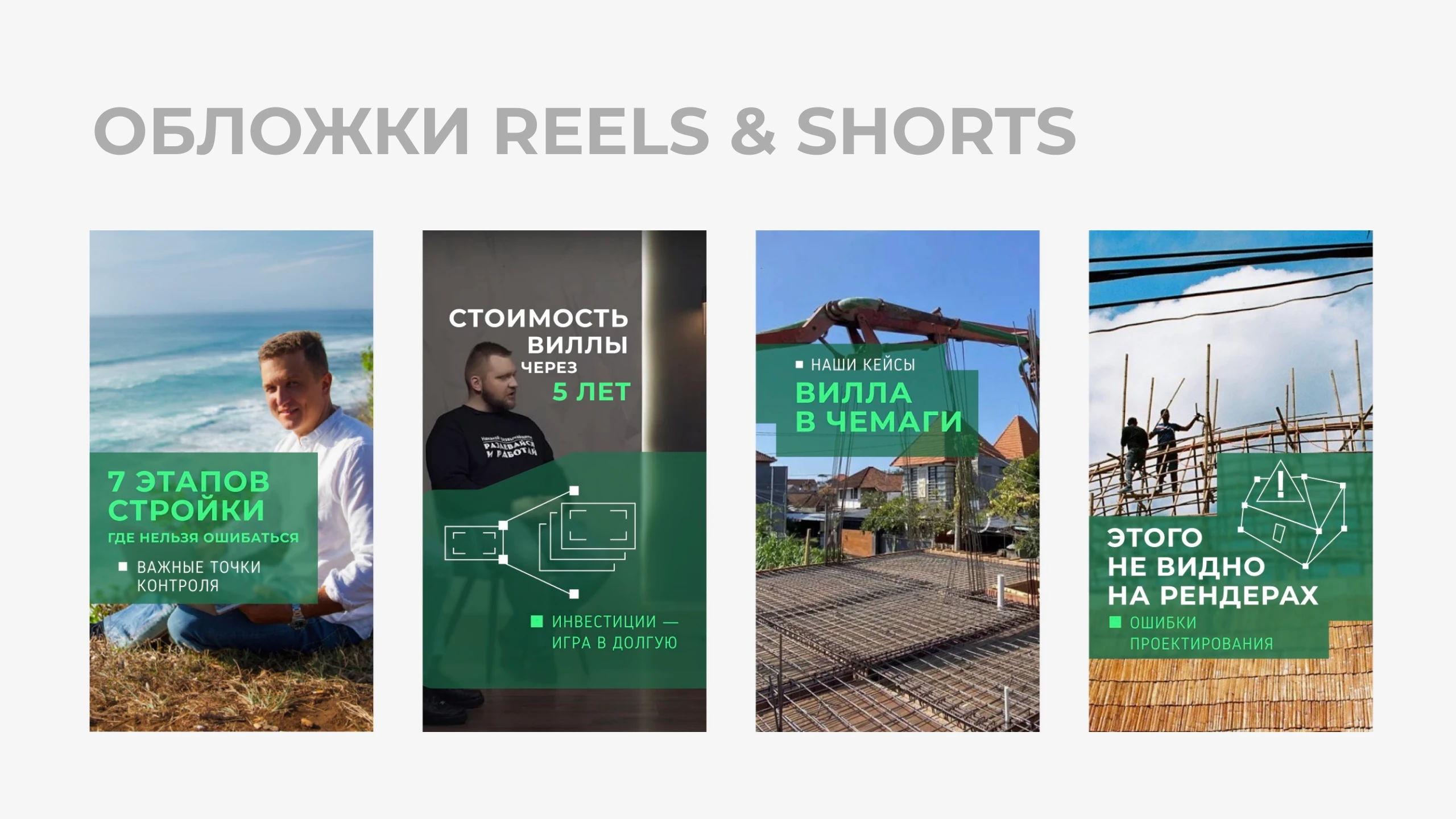
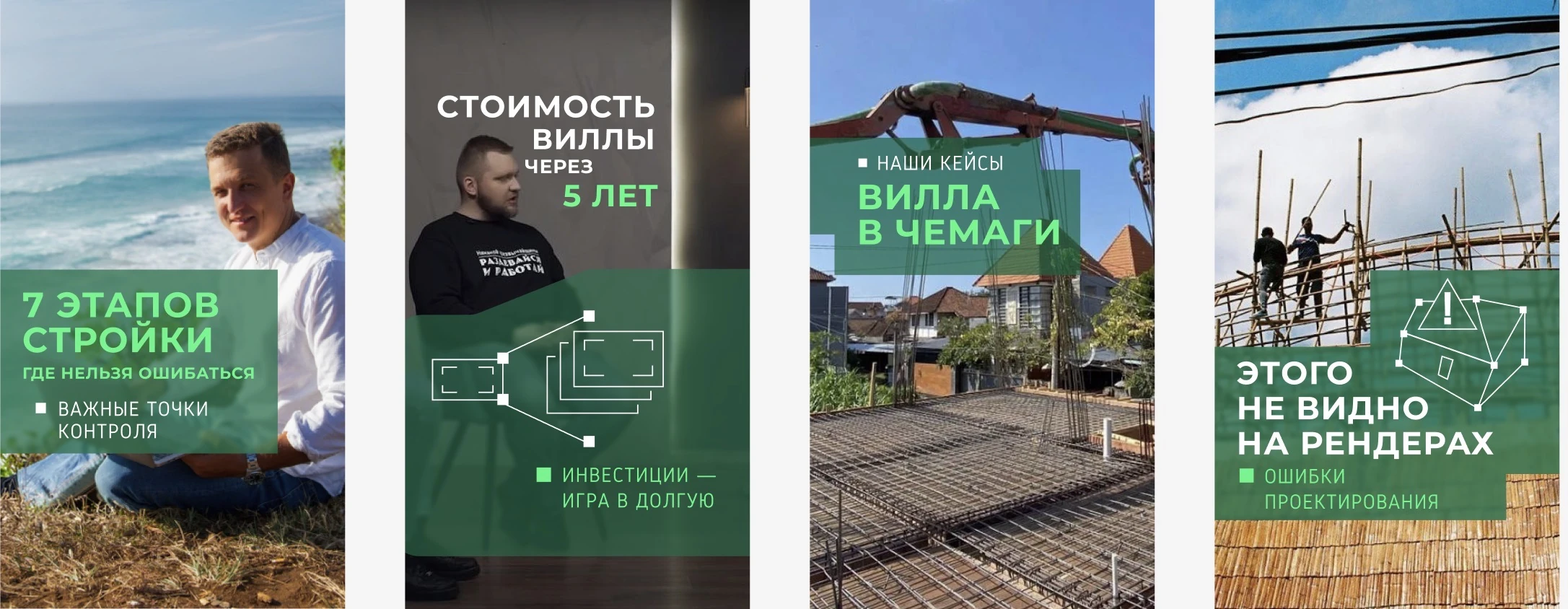
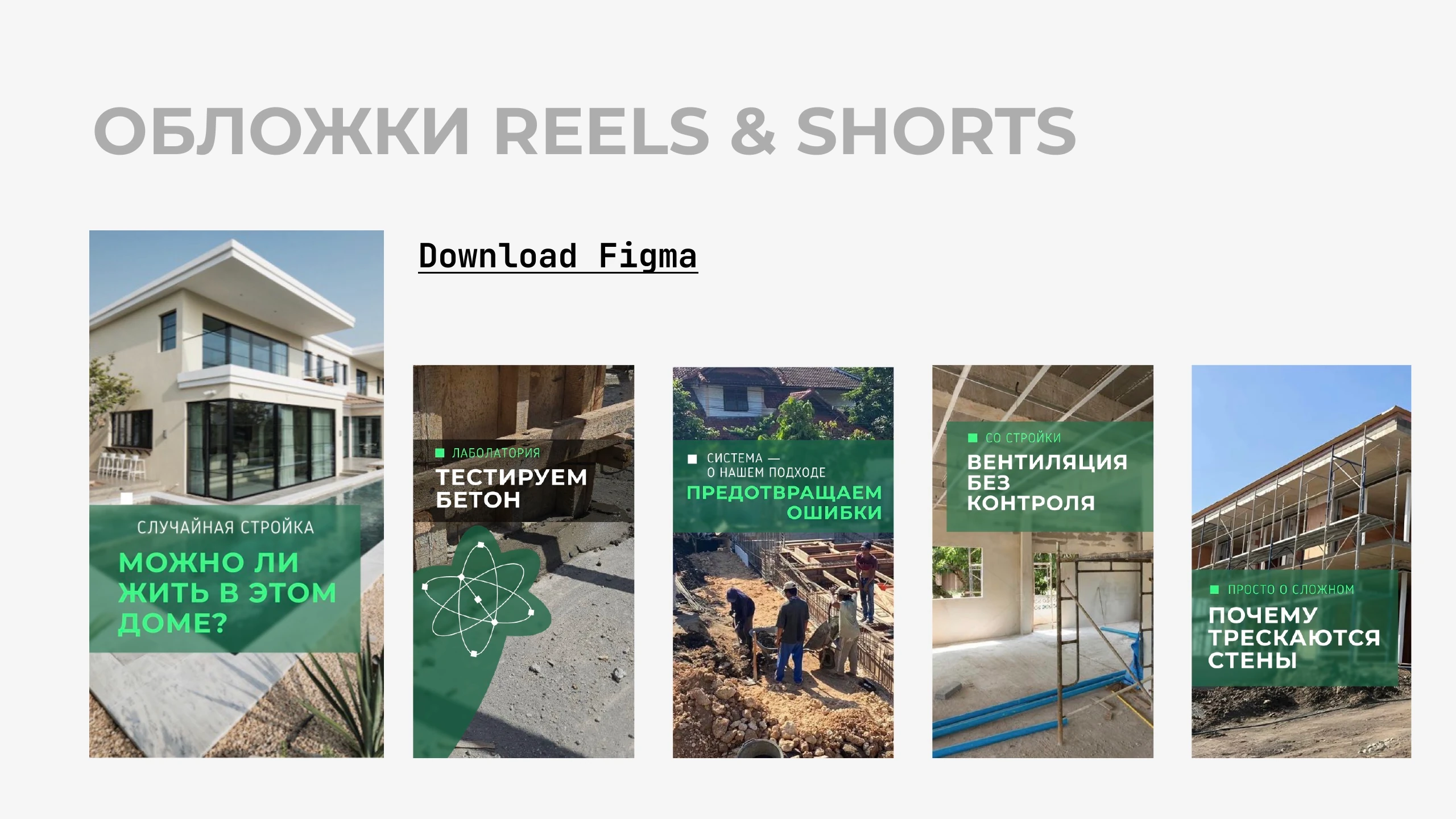
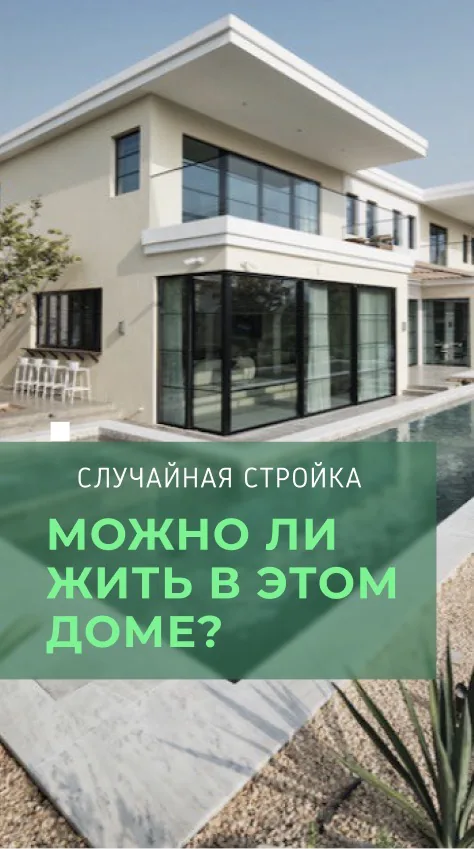
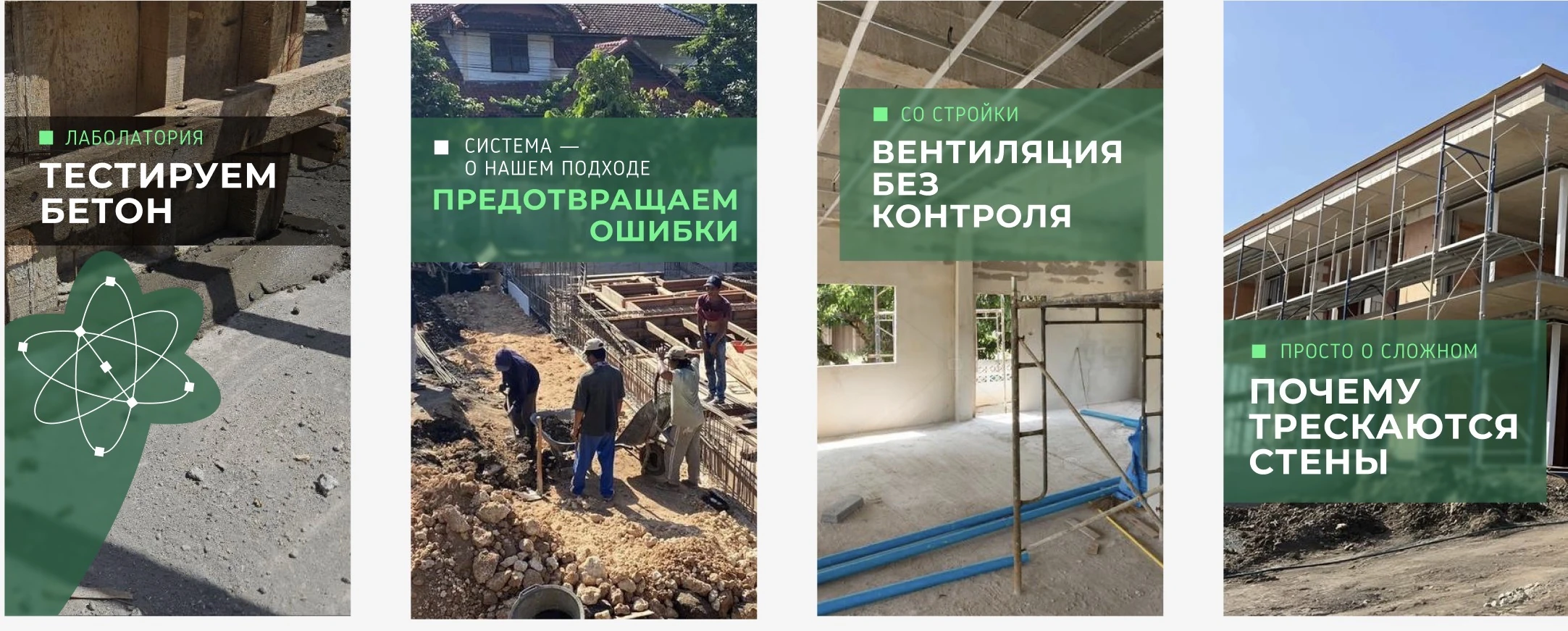
REELS & SHORTS COVERS
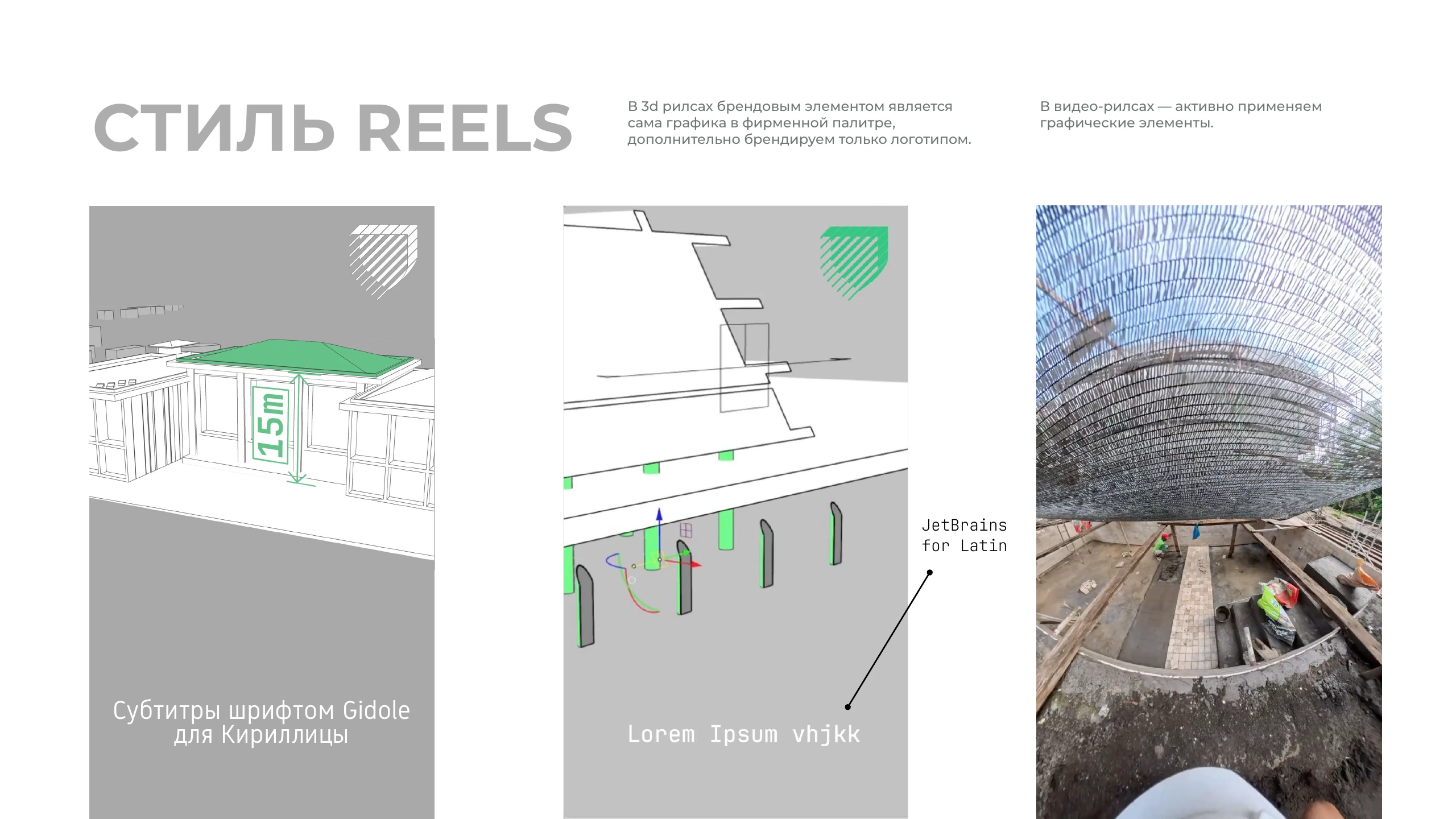
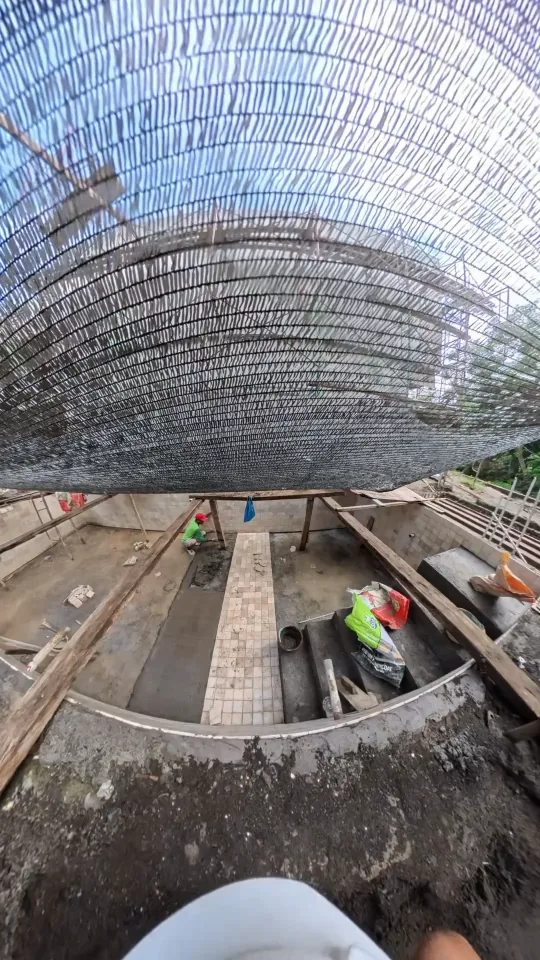
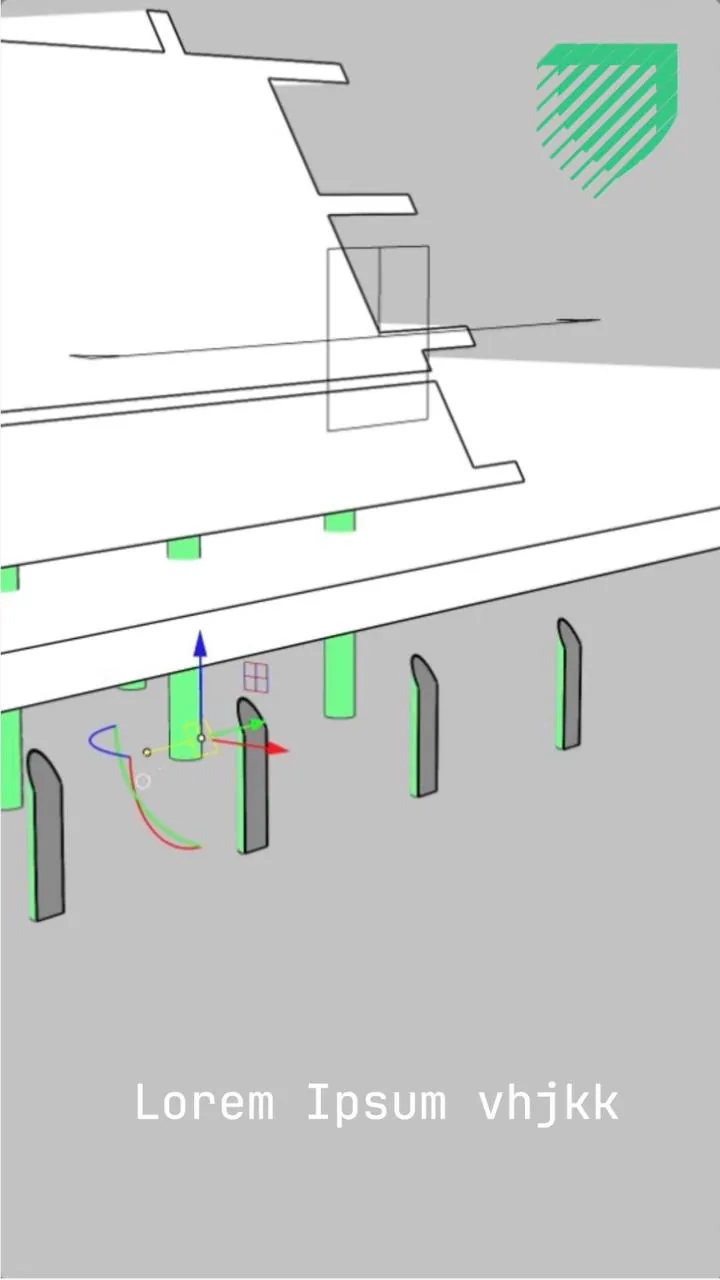
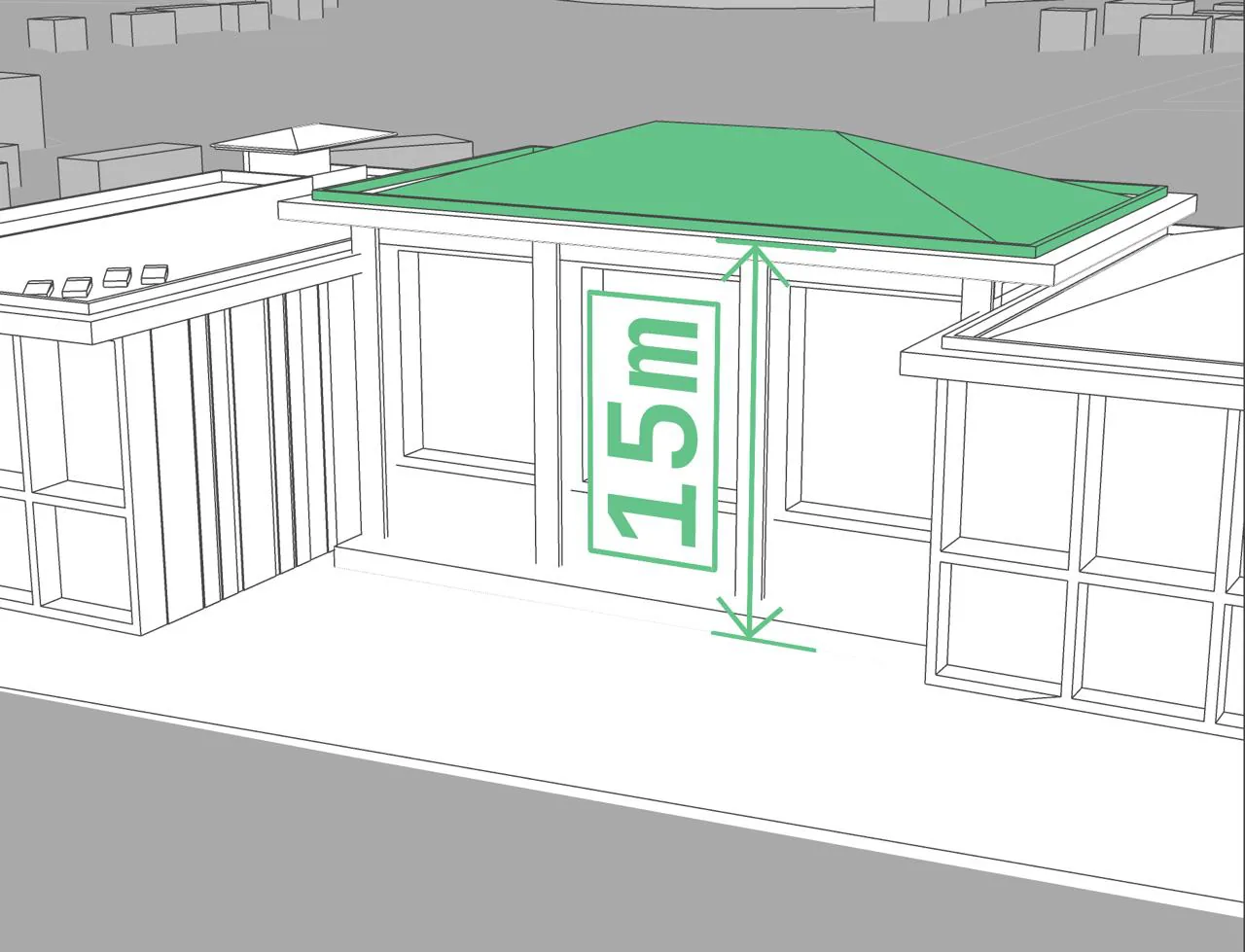
REELS STYLE
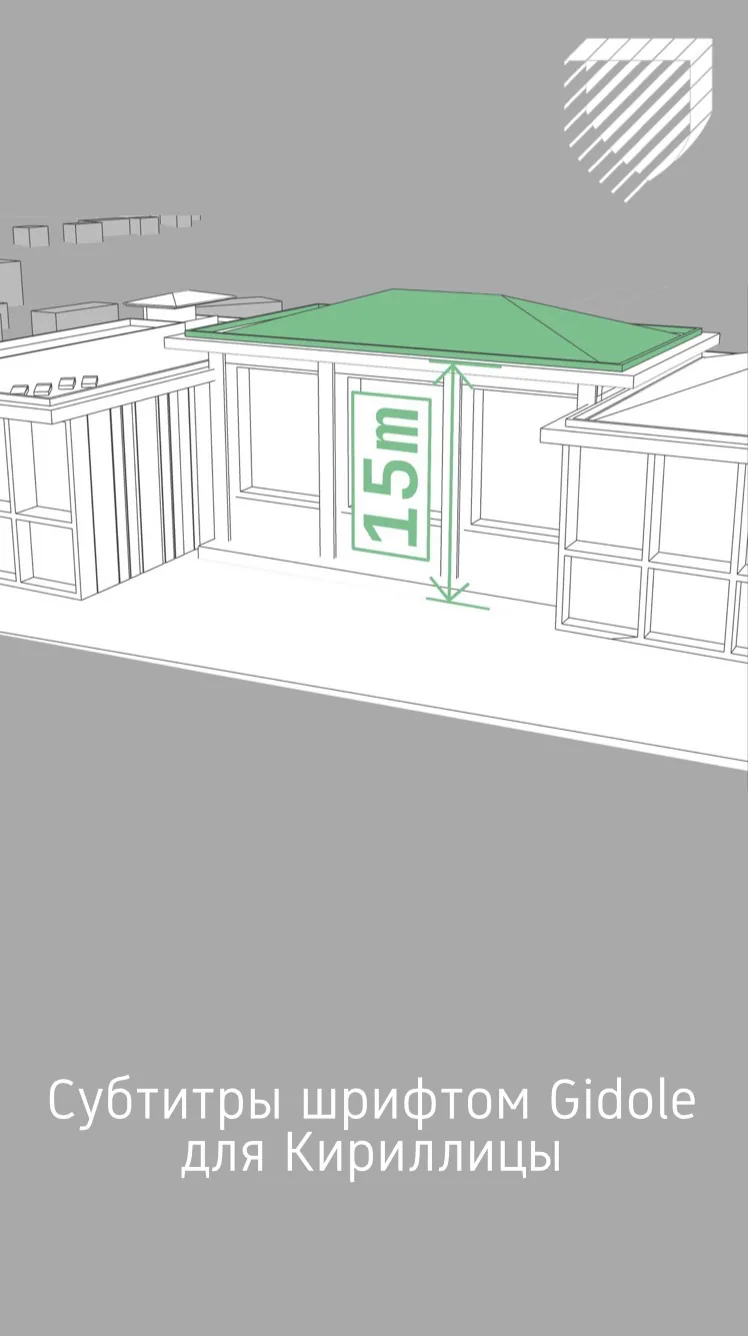
Subtitles in Gidole
for Cyrillic
JetBrains
for Latin
In 3D reels the brand element is
the graphics themselves in the brand palette;
we add only the logo on top.
In video reels we actively use
graphic elements.
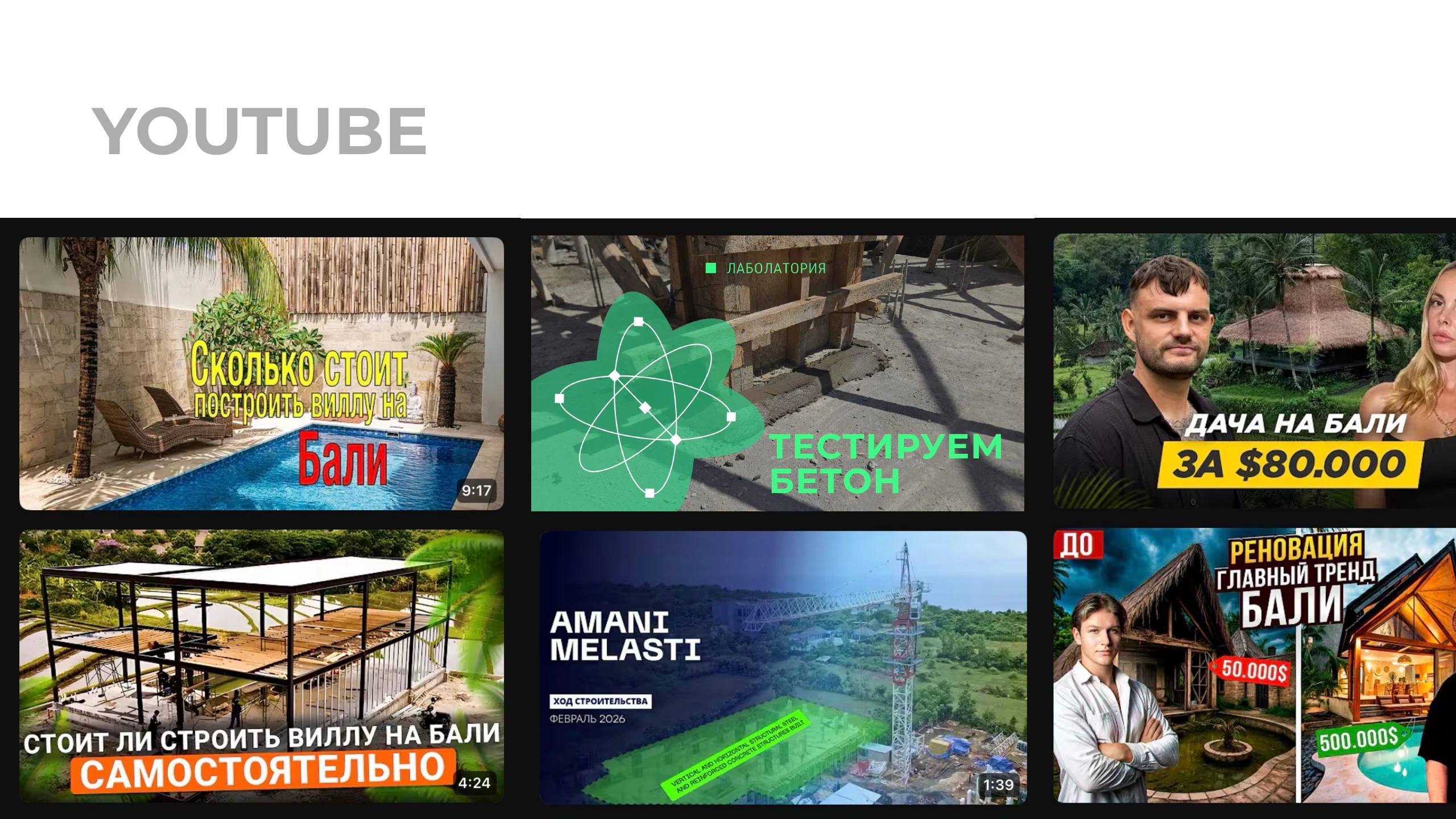
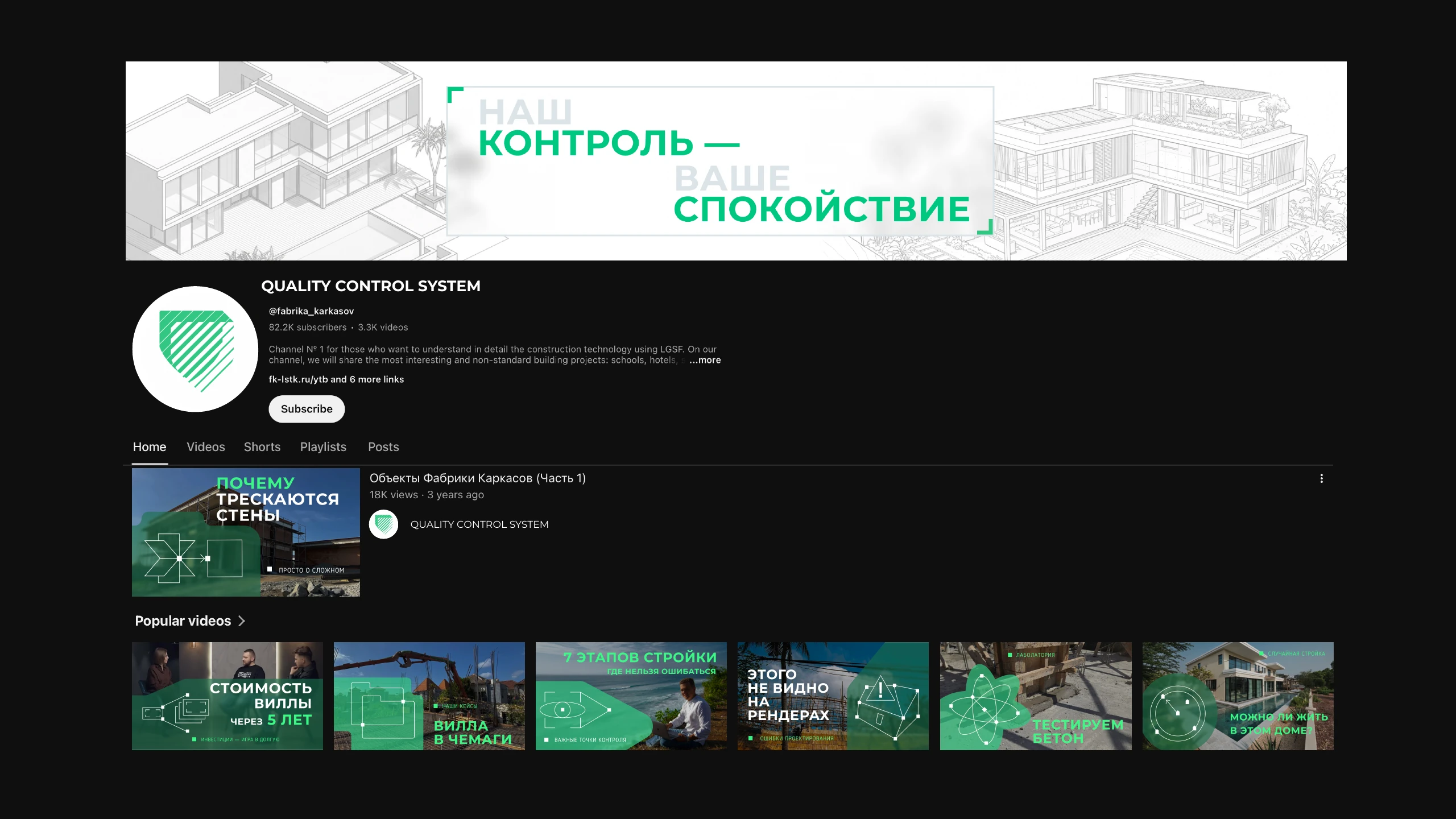
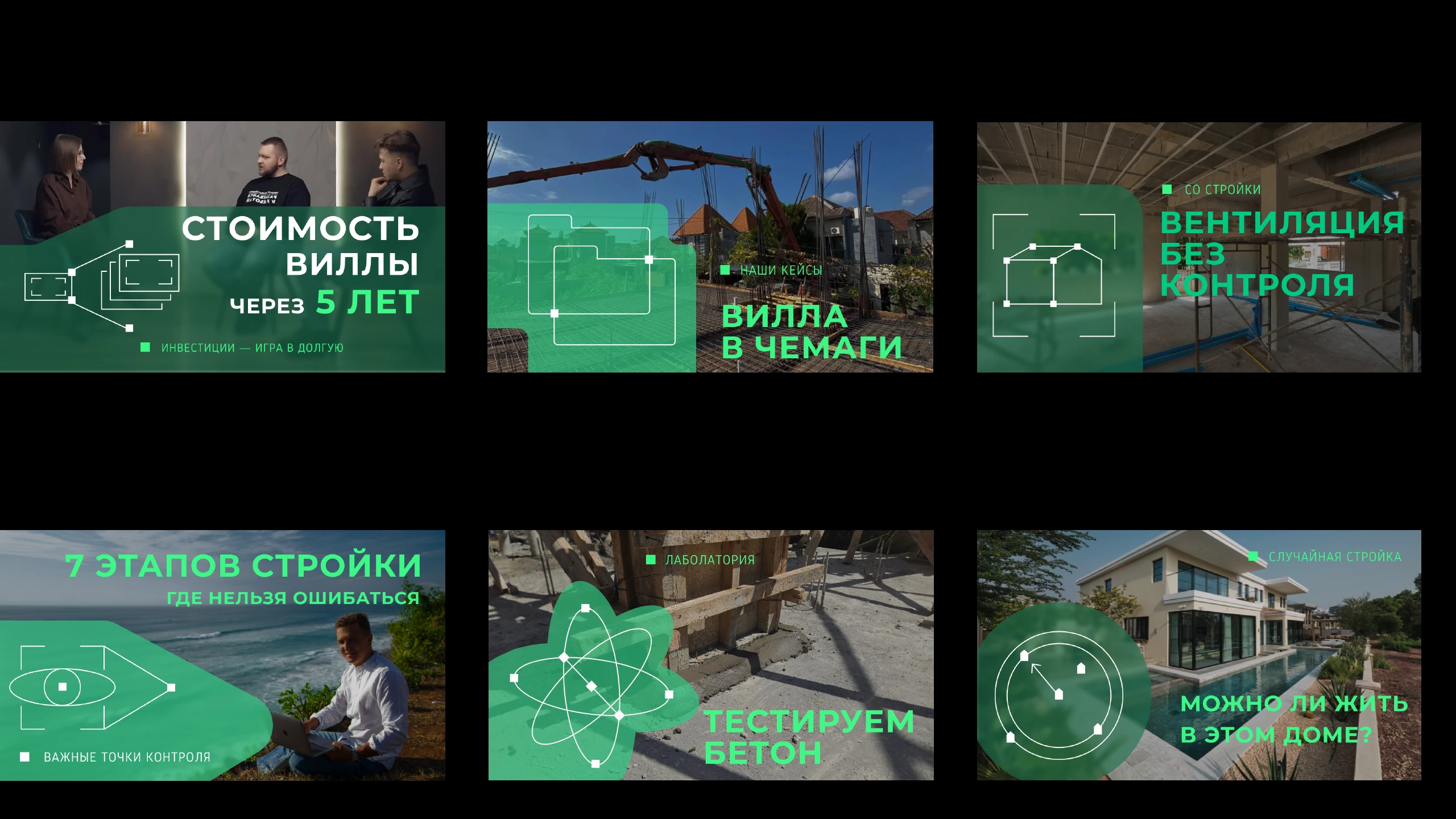
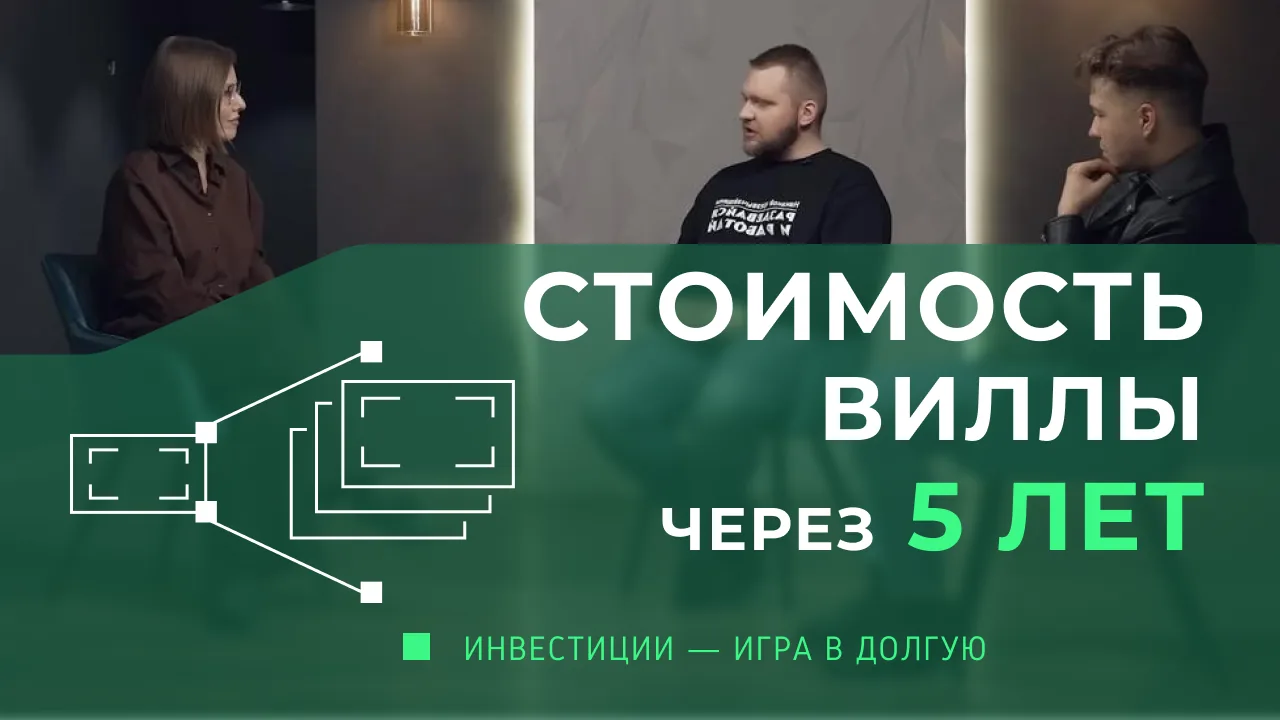
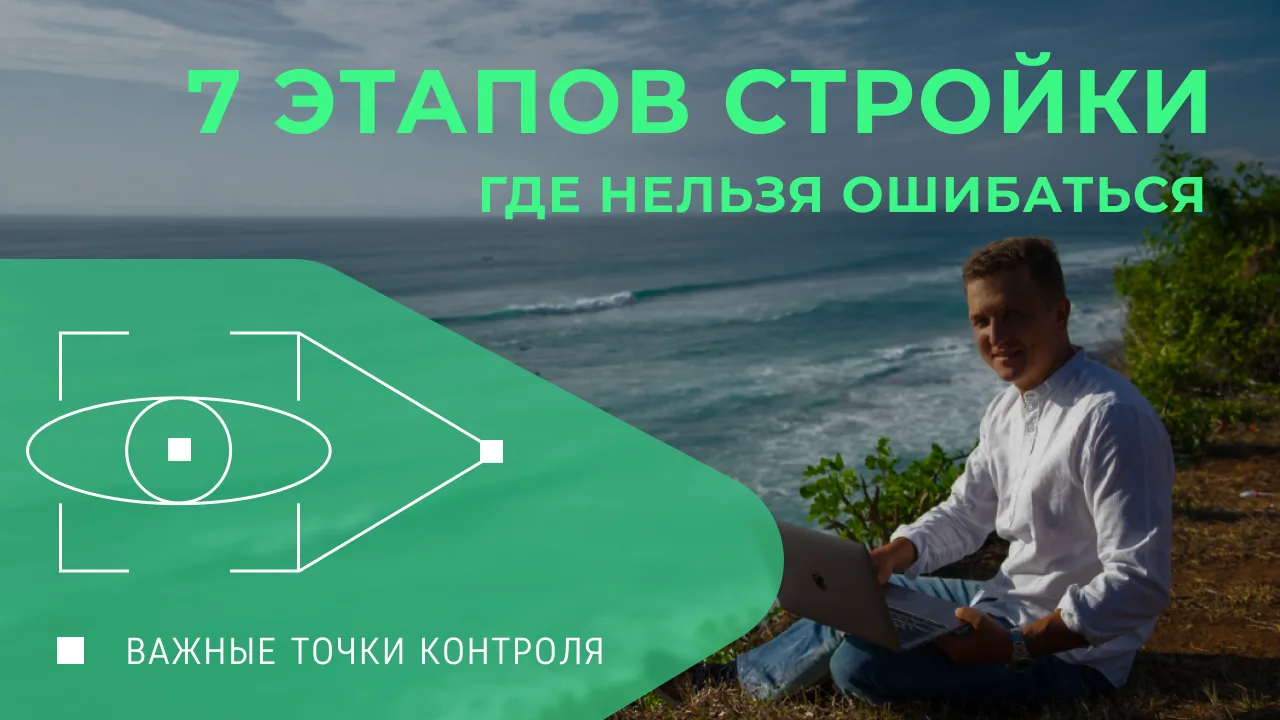
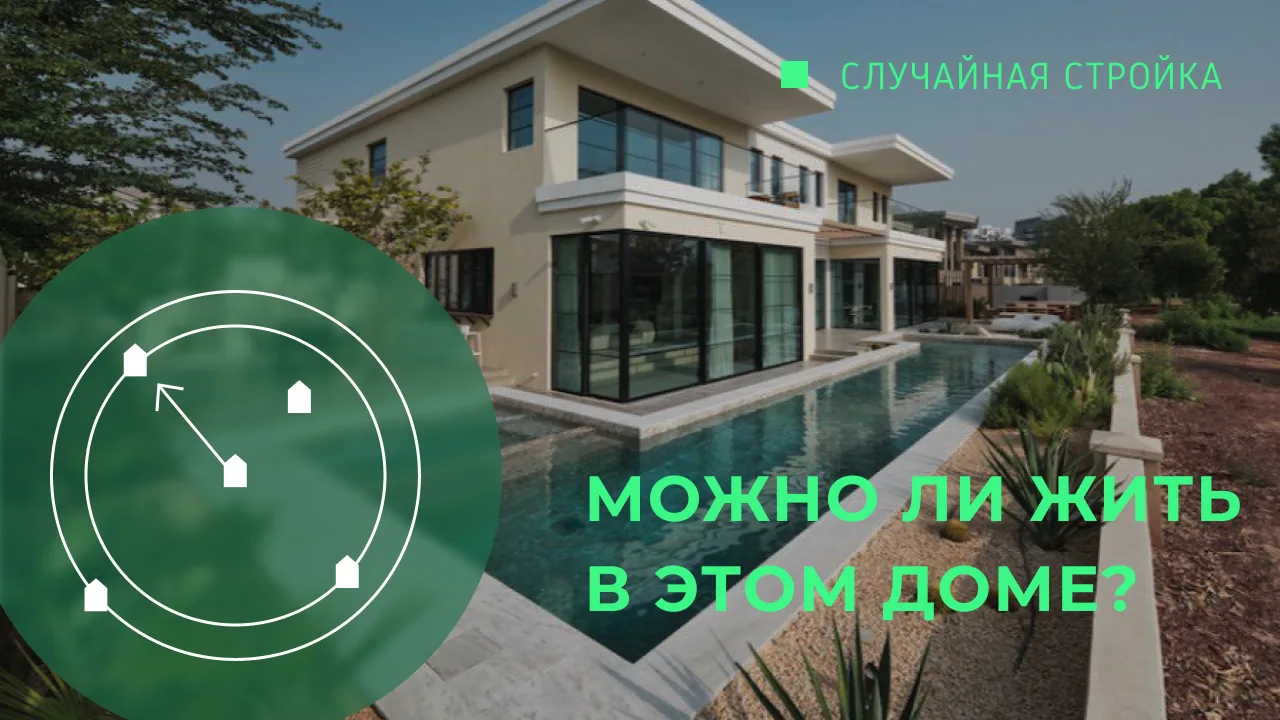
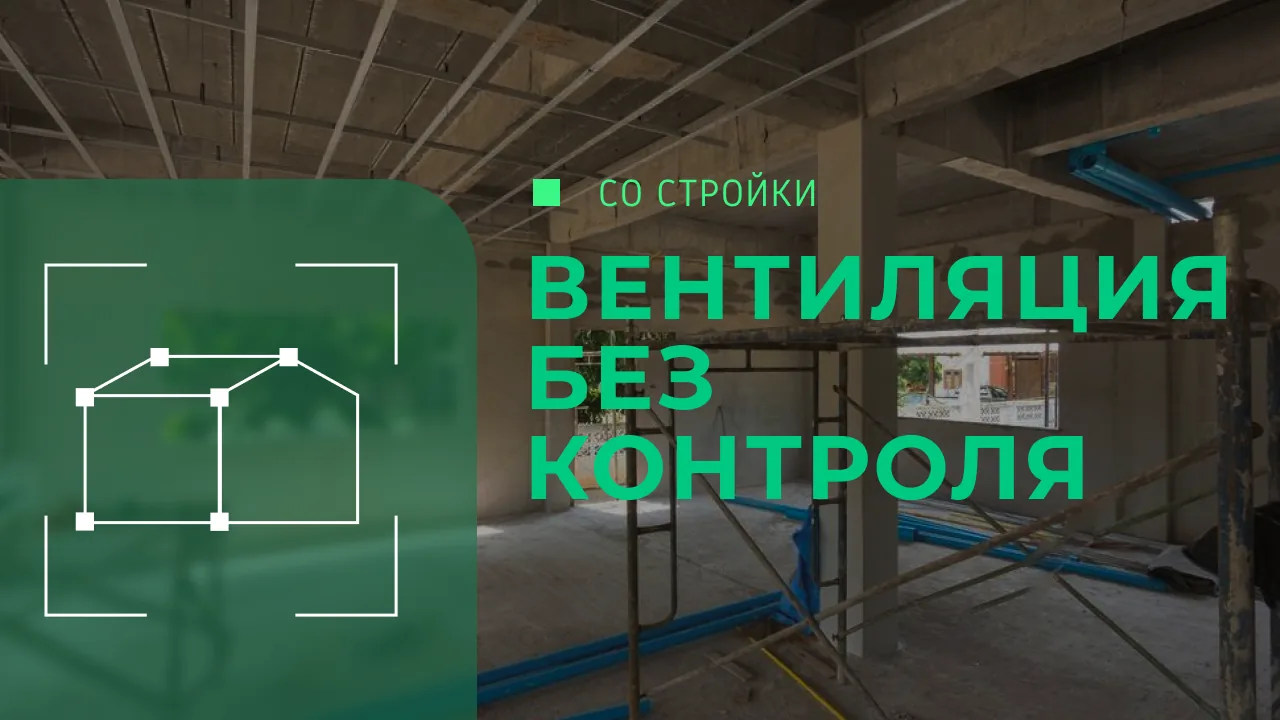
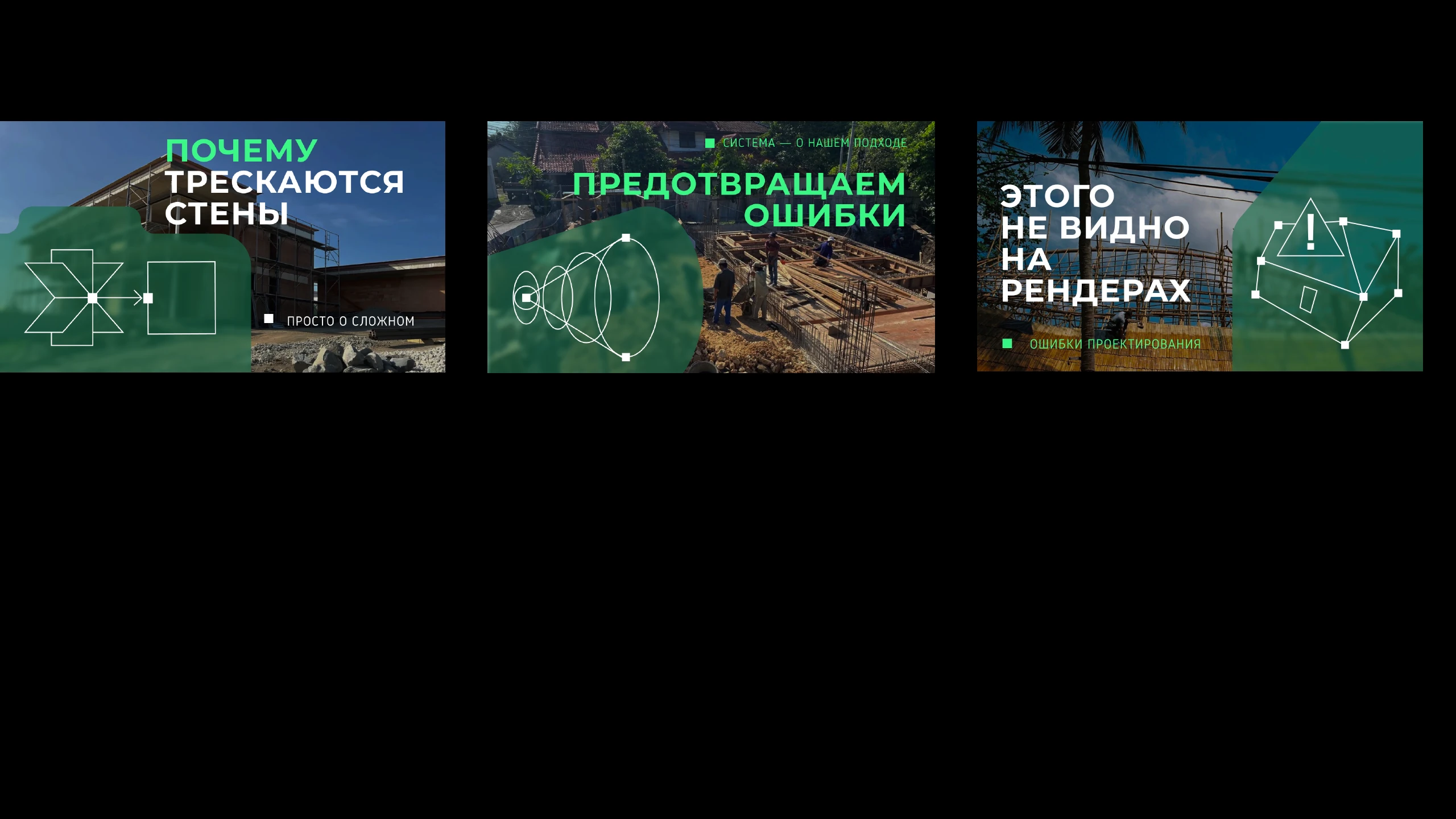
YOUTUBE
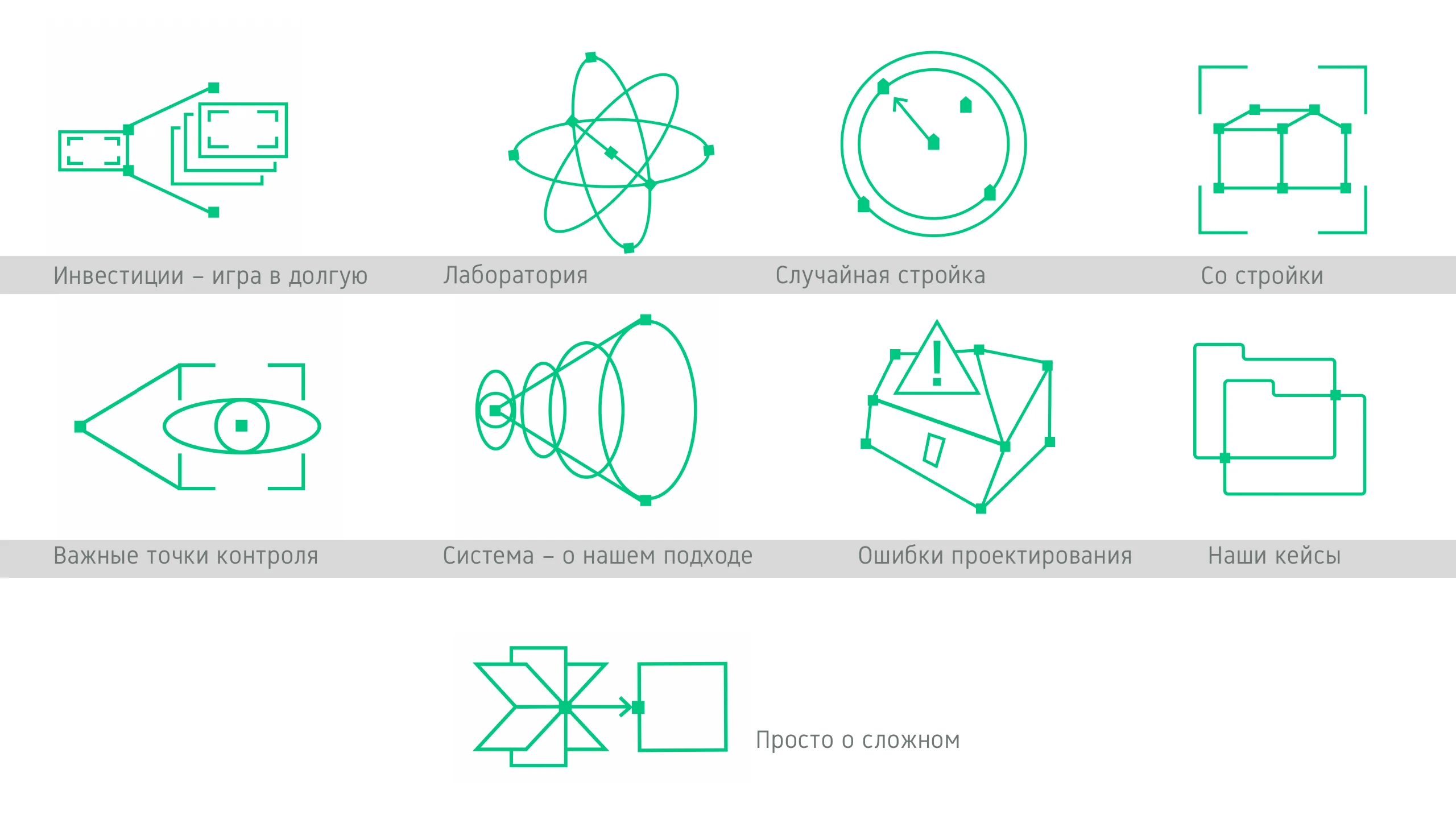


Investing is a long game
Key control points
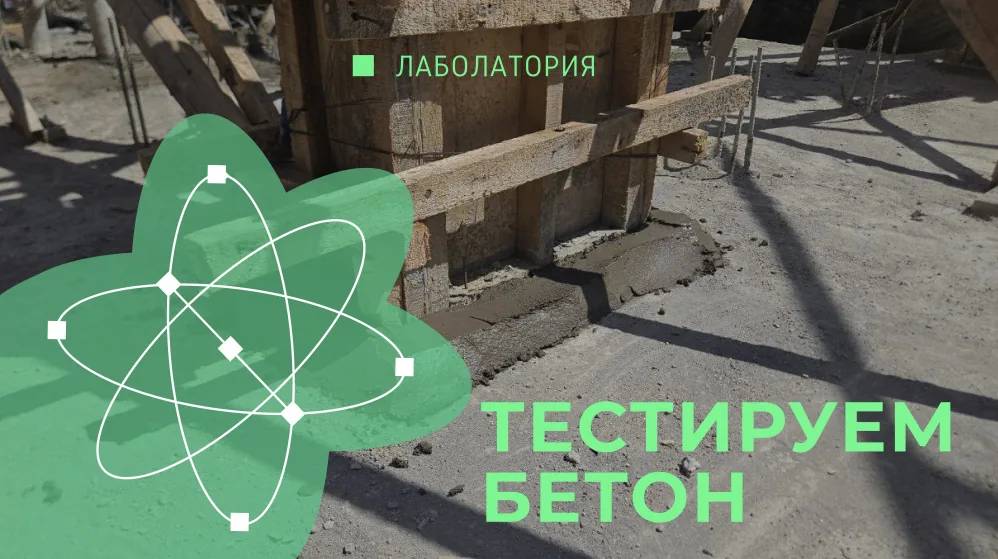
Lab
Random construction site
From the site
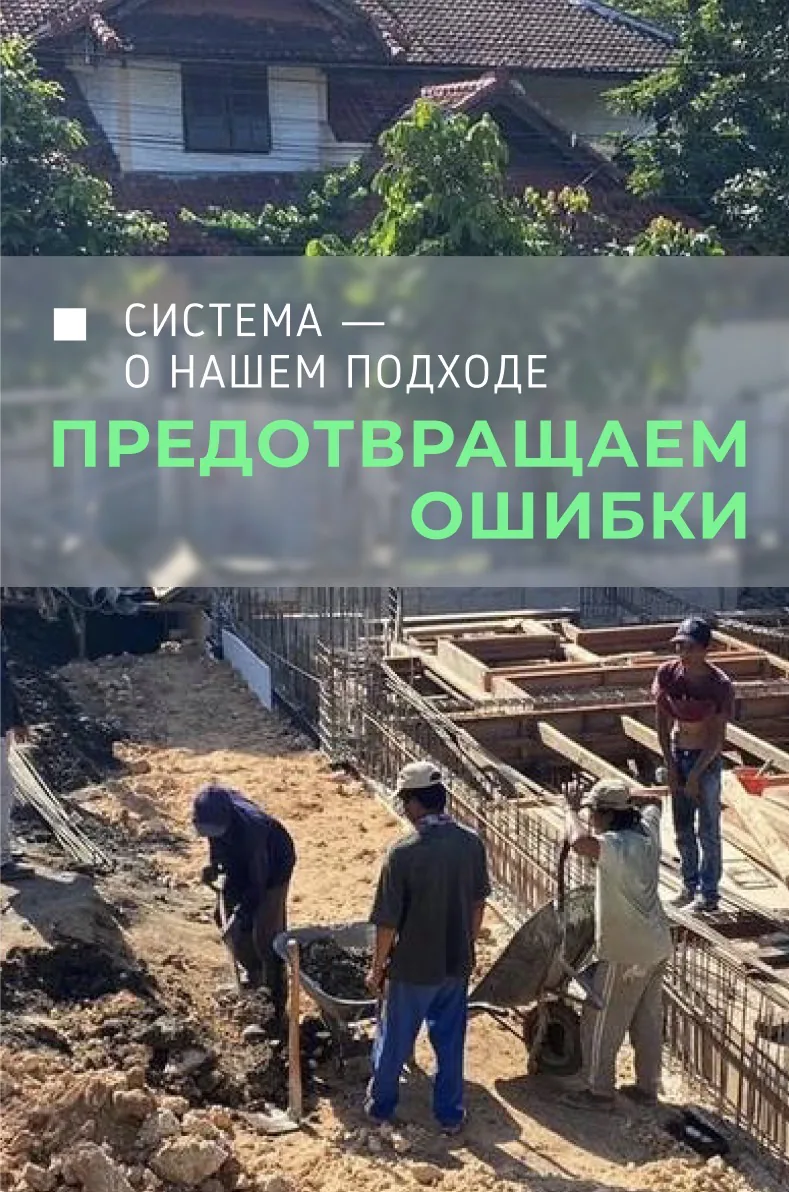
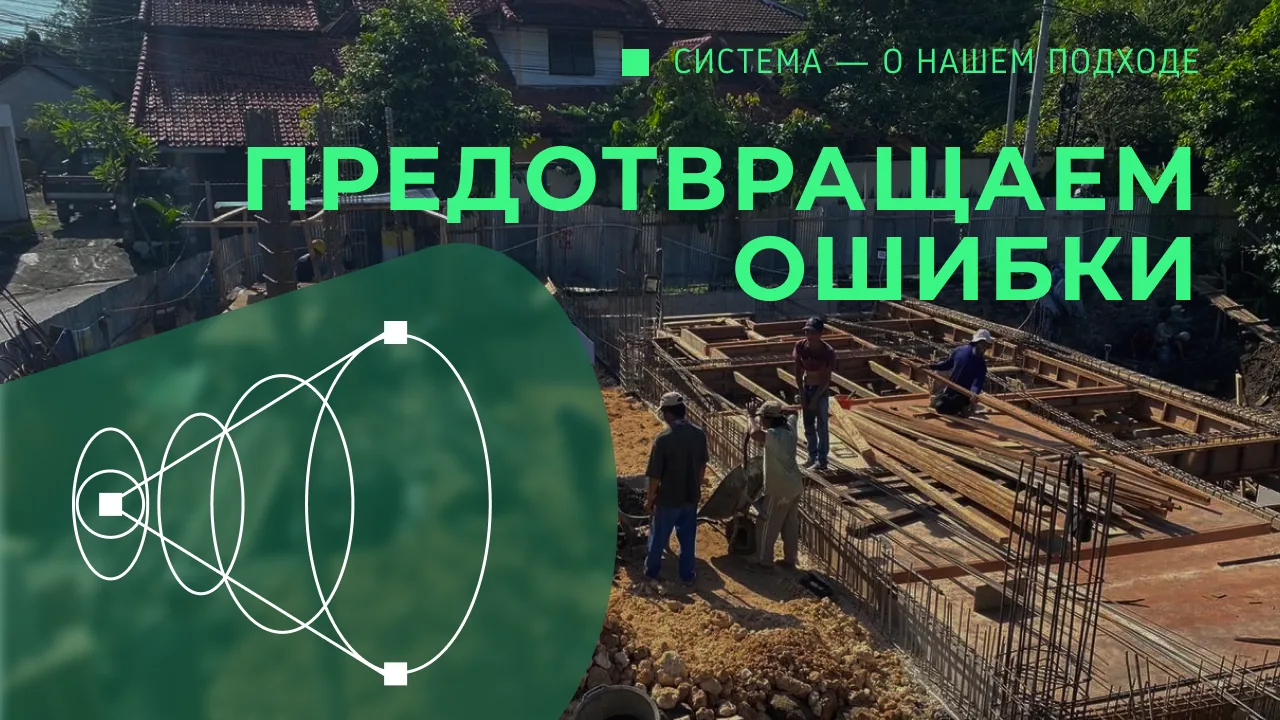
The system — our approach
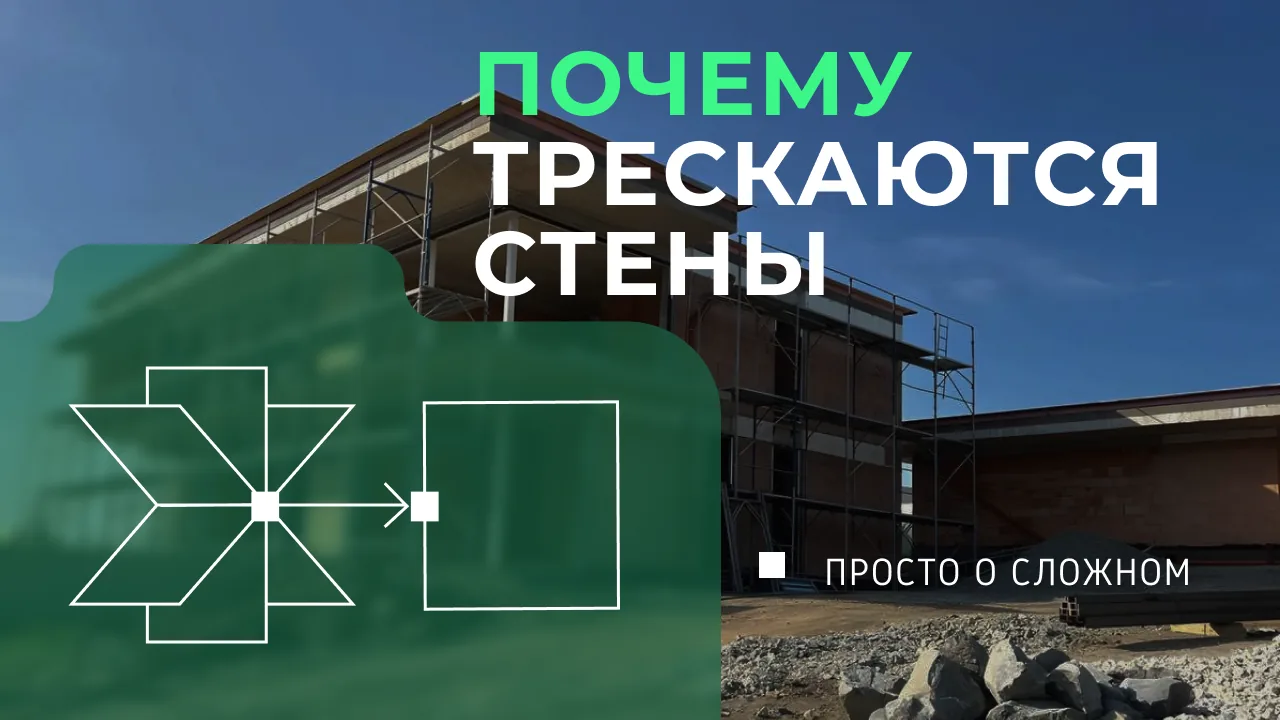
Simple about the complex
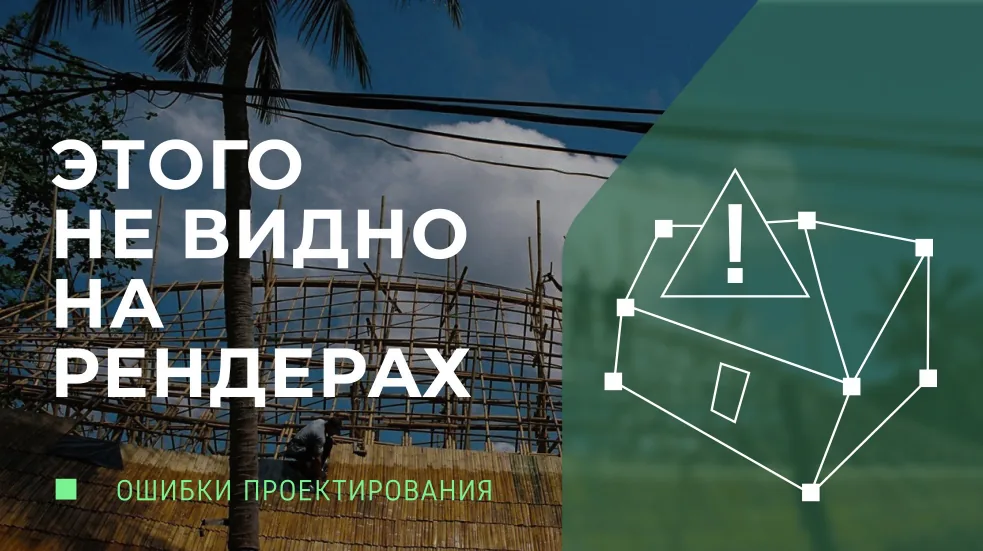
Design mistakes
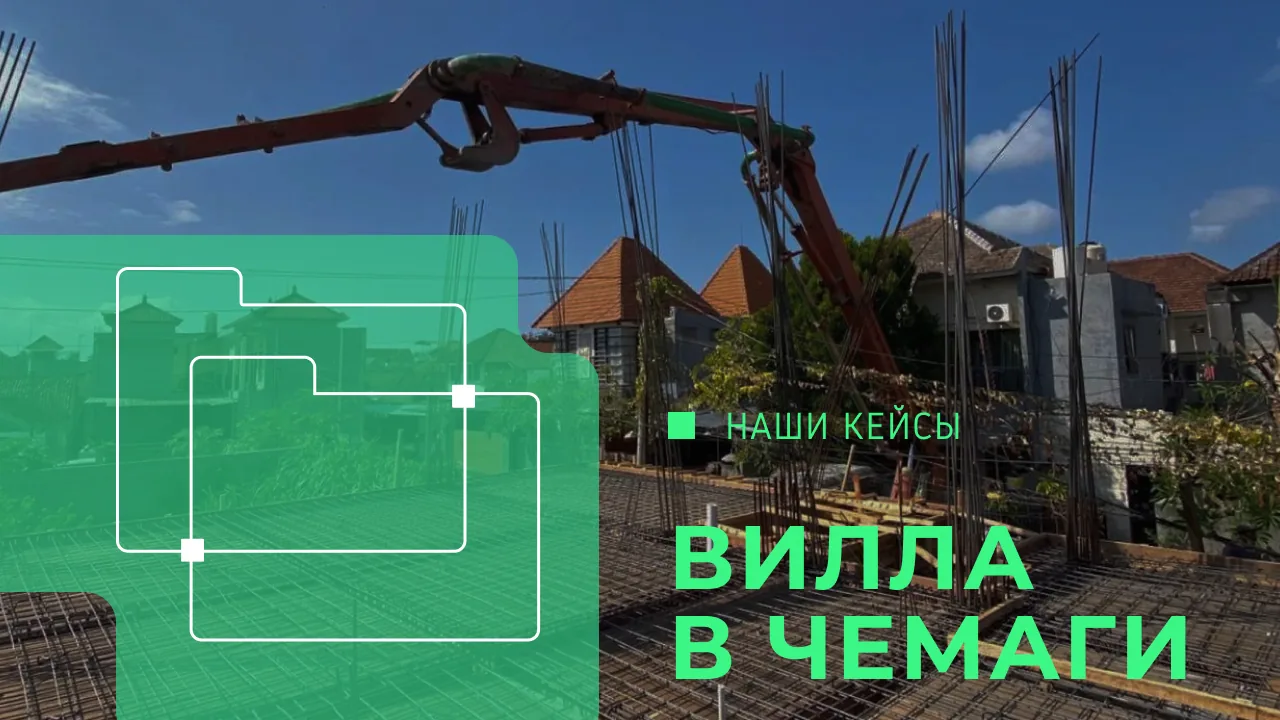
Our cases
Wave Branding Studio
wavebali.com